

Ambient
NanoLockit (ACN-NL-L) - Timecode Generator and Logger
NanoLockit (ACN-NL-L) - Timecode Generator and Logger
excl. VAT
in stock
Item number: A80613
Couldn't load pickup availability
NanoLockit – the Timecode Generator
Ambient Timecode is synonymous with precision and reliability. The world's most respected post-productions insist on using Ambient Timecode on set because it saves them valuable time. Why does timecode save time? Find out here.
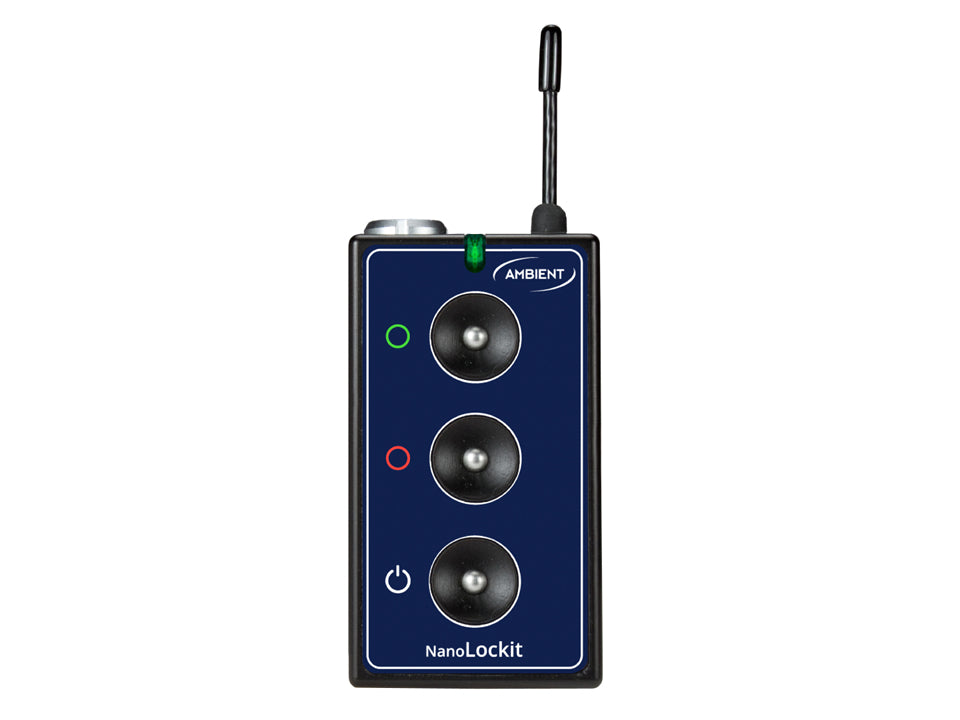
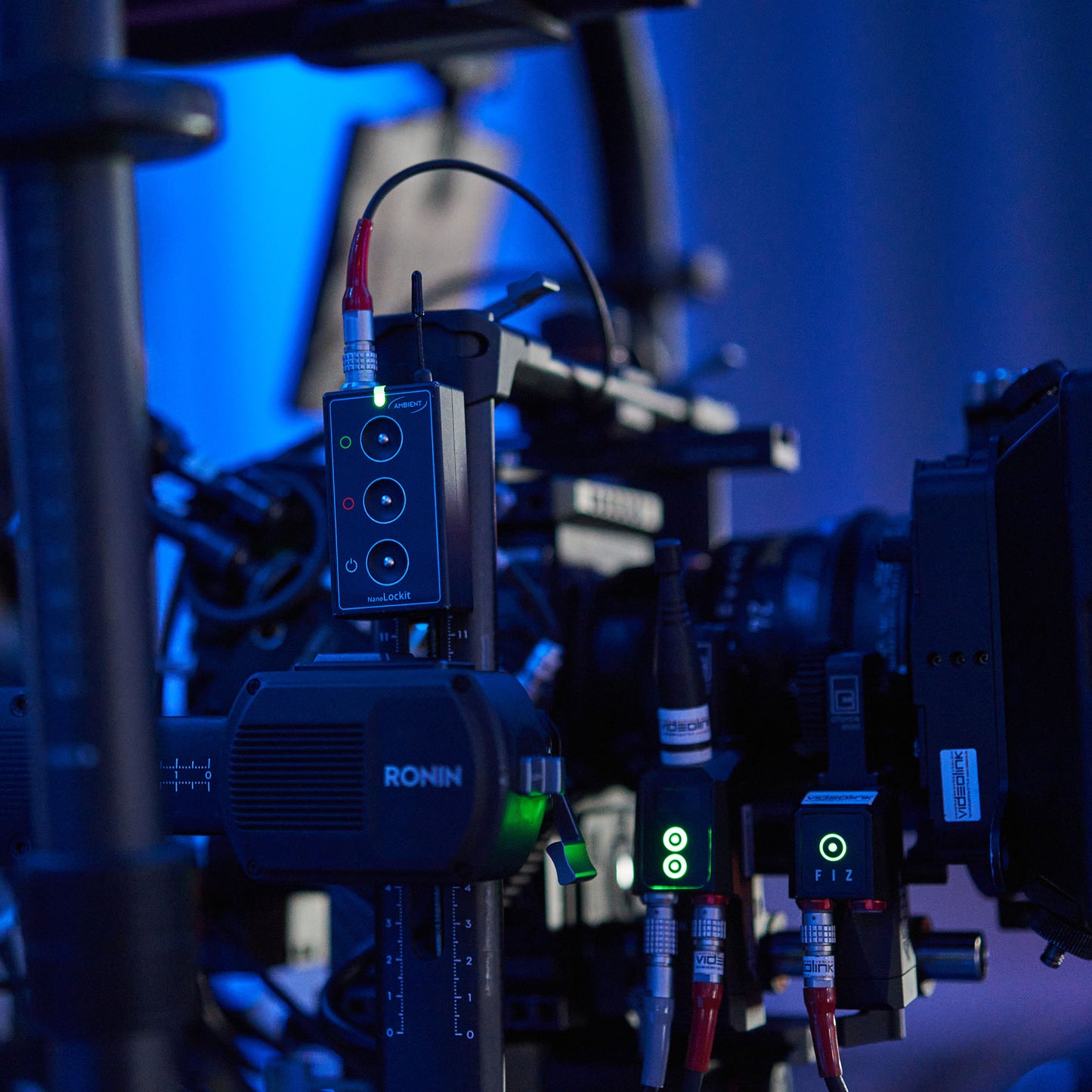
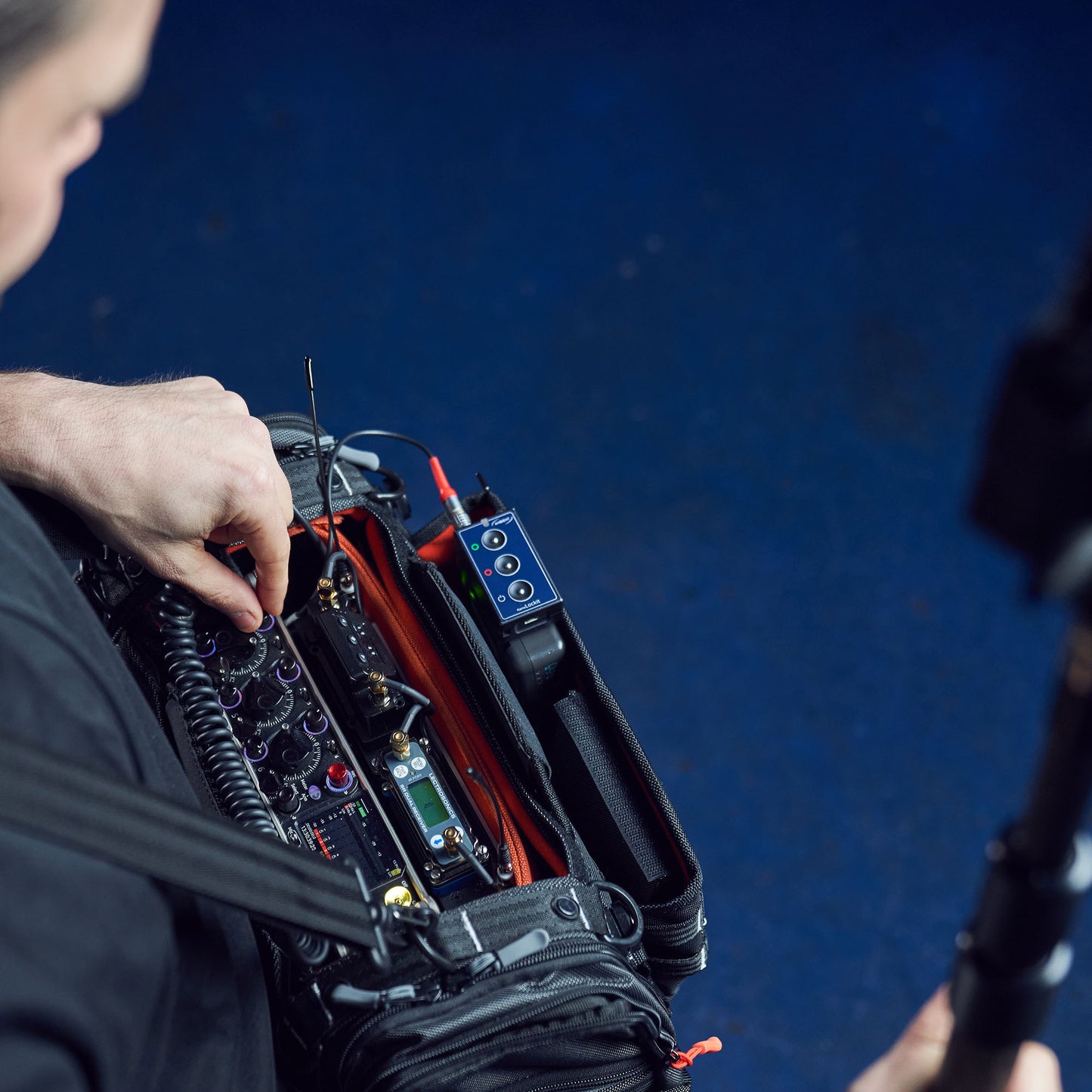
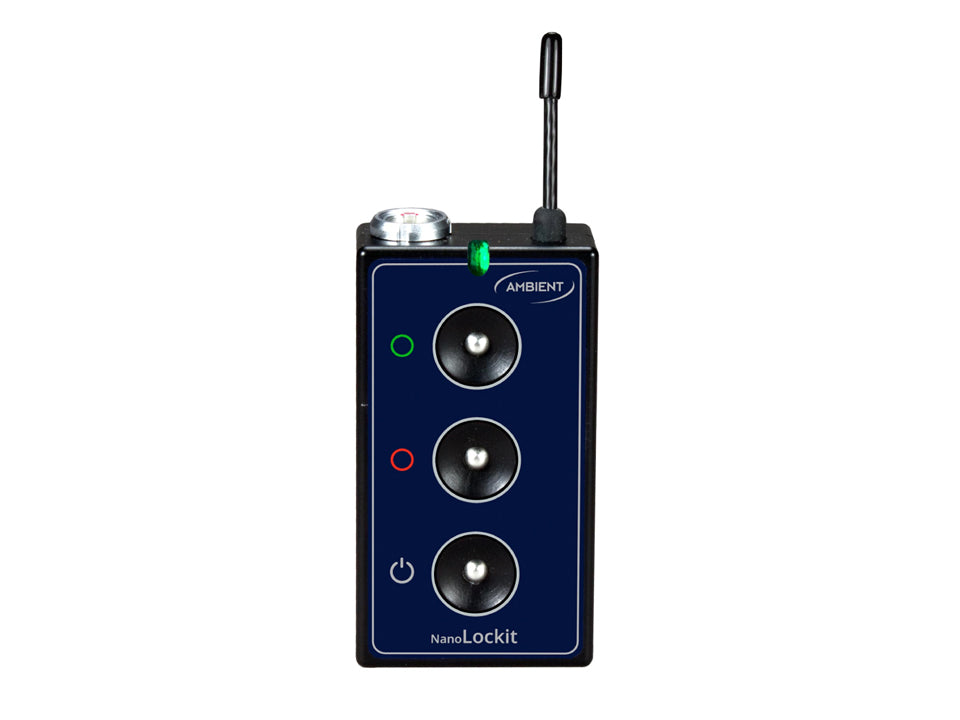
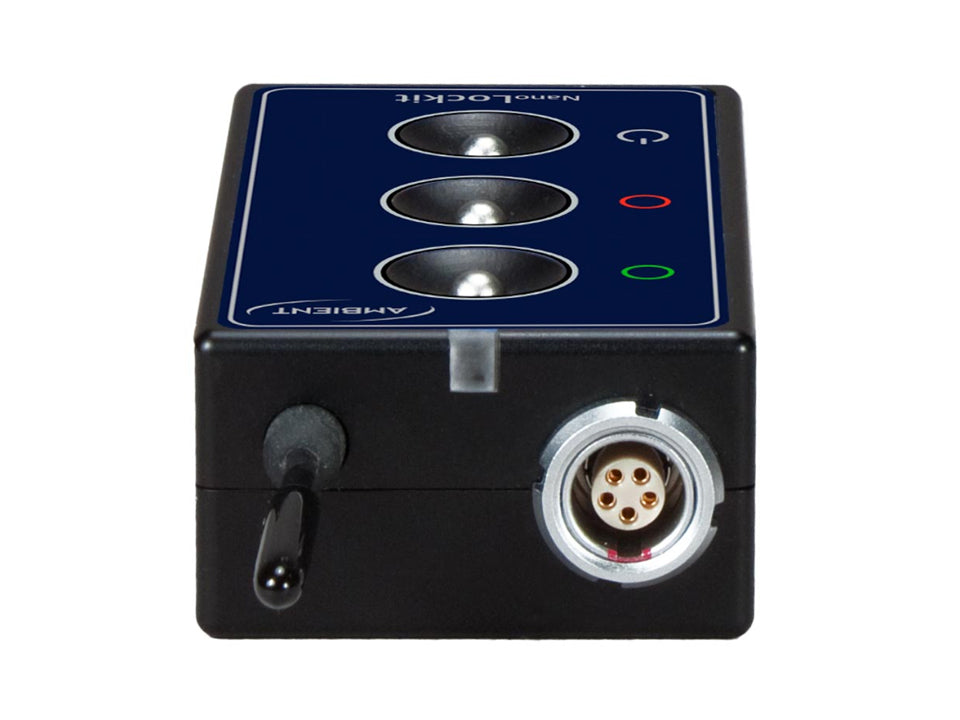
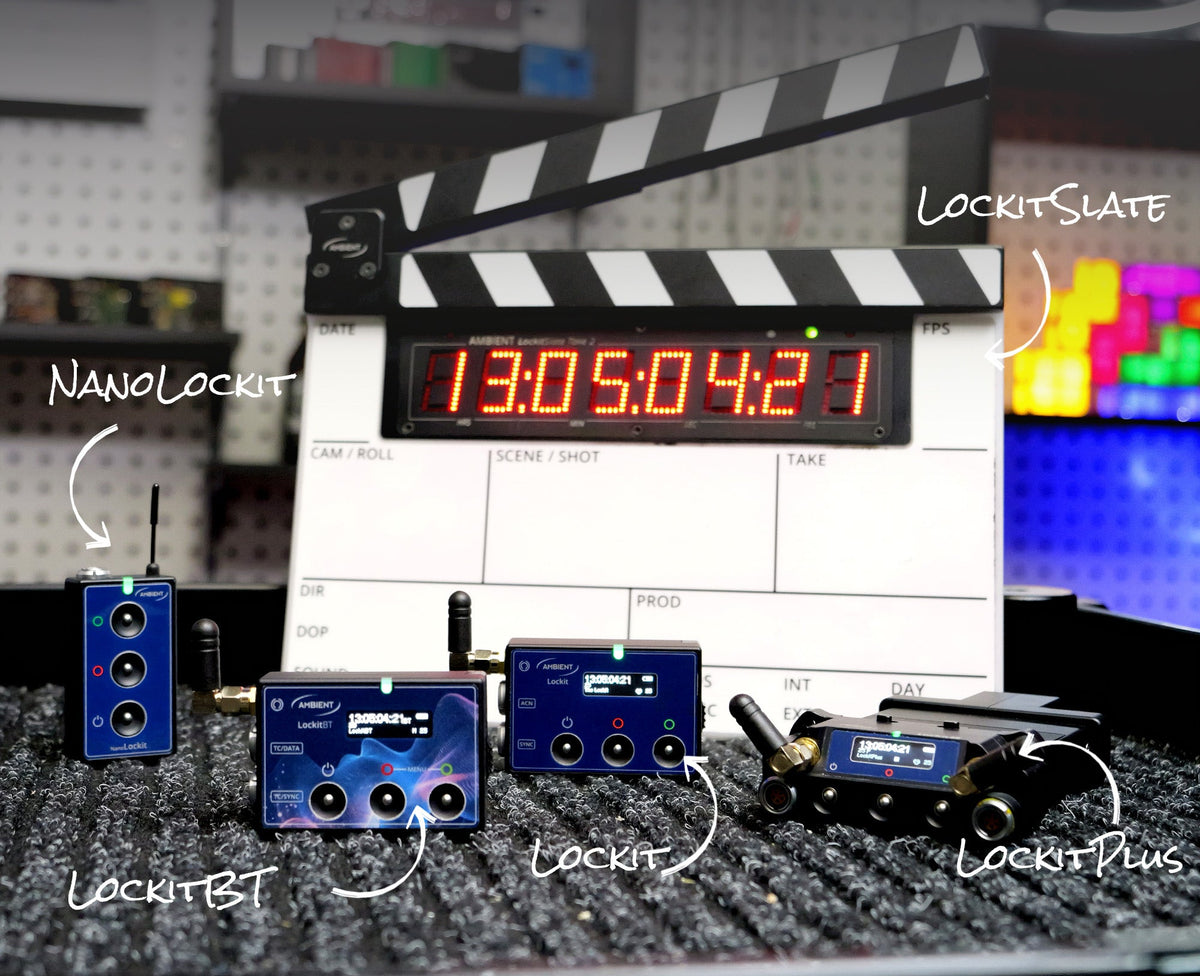
The NanoLockit is the smallest member of the Lockit family and fits into any camera rig.
Logging Feature
Since firmware version 6.30, the NanoLockit can additionally be used as a logger. This feature was designed specifically for content creators, directors and filmmakers. With the NanoLockit Logger you can mark good and bad clips directly on set. One button for "good take", one button for "bad take" – maximum simplicity for intuitive operation from your pocket.
The big advantage: never waste time sorting good and bad clips again. Just connect the NanoLockit Logger to your computer via USB after shooting. With one click you can import the logs as markers into your editing software. Learn more about the Logger here.
ACN – Better than Bluetooth
The Ambient Communication Network (ACN) is our own wireless network that connects all Lockit boxes on set. A stable, interference-resistant radio network – completely without Bluetooth and WiFi. This makes the connection independent of interference, poor network coverage or other adverse radio conditions on set. Learn more about ACN here.
One Button Syncing
ACN is the reason why our “One Button Syncing” reduces the setup effort on set to the press of a button. Press the green button on one of your Lockits or NanoLockits for 3 seconds, and via ACN all other Lockits (in the same ACN channel) are synchronized in terms of TC and frame rate. This one-time sync already ensures perfect frame accuracy for the whole day of shooting.
TX Mode
In TX Mode, the NanoLockit becomes a timecode bridge: it waits for an external timecode signal and automatically adapts its speed to that source. It then passes the timecode on to all other Lockits via ACN. This is especially useful if you want your audio recorder to be the master clock on set or if your studio already has a studio master clock – as well as for playback shoots or virtual production setups. The source can be LTC via cable or MIDI timecode from your computer.
To start TX Mode, press and hold the red button, then tap the power button. You can find a step-by-step guide to TX Mode in our FAQs.
Easy to use
You control the most important functions directly via the buttons: Single Jam, logging and TC level. Frame rate and ACN channel are set once via the LockitToolbox on your computer. The NanoLockit can either start right away with the built-in real-time clock or be fed with external timecode via the 5-pin port – it then takes over timecode and frame rate automatically.
DSLR Ready
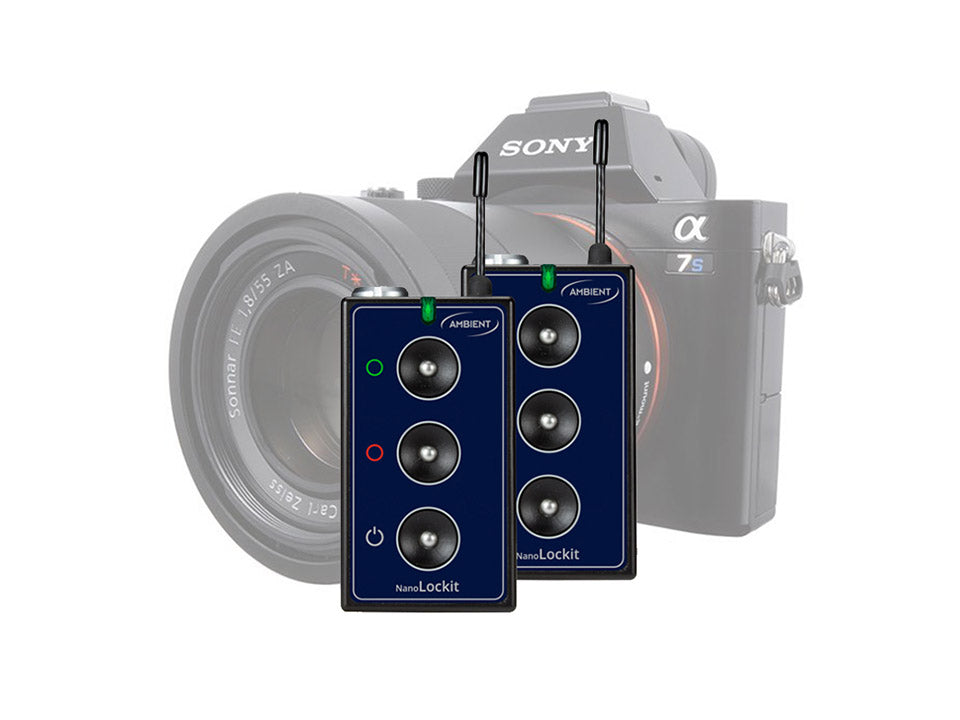
The slim form factor of the NanoLockit makes it the perfect match for DSLR setups. Since DSLR cameras don't have a dedicated TC input, the timecode is recorded to an audio track via the 3.5 mm audio jack. To do so you need this cable. Of course, this occupies the microphone input. If you want to record audio on the camera in parallel, you can use our corresponding cable whip.
Recommended Camera Mount