

Ambient
Lockit (ACN-CL) - Timecode & Sync Generator
Lockit (ACN-CL) - Timecode & Sync Generator
excl. VAT
Item number: A80546
Couldn't load pickup availability
Lockit – the Timecode and Sync Generator
Ambient Timecode is synonymous with precision and reliability. The world's most respected post-productions insist on using Ambient Timecode on set because it saves them valuable time. Why does timecode save time? Find out here.
Zero Drift
The Ambient Communication Network (ACN) is our own wireless network that connects all Lockit boxes on set. When C-Jam (Continuous Jam) mode is activated, all Lockit devices are constantly synchronized with each other. This allows us to achieve "Zero Drift" over an entire day of shooting – in other words: an incredible 0.0 ppm drift.
ACN – Ambient Communication Network
ACN is our own stable, interference-resistant radio network through which Lockit devices communicate with each other. This makes the connection independent of interference, poor network coverage or other adverse radio conditions on set. Learn more about ACN here.
One Button Syncing
Press the green button on one of your Lockit boxes for 3 seconds, and via ACN all other Lockits (in the same ACN channel) are synchronized in terms of TC and frame rate. This one-time sync already ensures perfect frame accuracy for the whole day of shooting.
TX Mode
In TX Mode, the Lockit becomes a timecode & genlock bridge: it waits for an external timecode signal and automatically adapts its speed to that source. It then passes timecode and sync on to all other Lockits via ACN. This is especially useful if you want your audio recorder to be the master clock on set or if your studio already has a studio master clock – as well as for playback shoots or virtual production setups. The source can be LTC via cable or MIDI timecode from your computer.
To start TX Mode, press and hold the red button, then tap the power button. You can find a step-by-step guide to TX Mode in our FAQs.
TC & Sync Offset
Some cameras always lag behind by one or more frames, even though they are fed the correct timecode. The reason is an internal processing delay in the camera. To fix this, you can set an individual offset on the Lockit. Find out how in our FAQs.
Display Menu
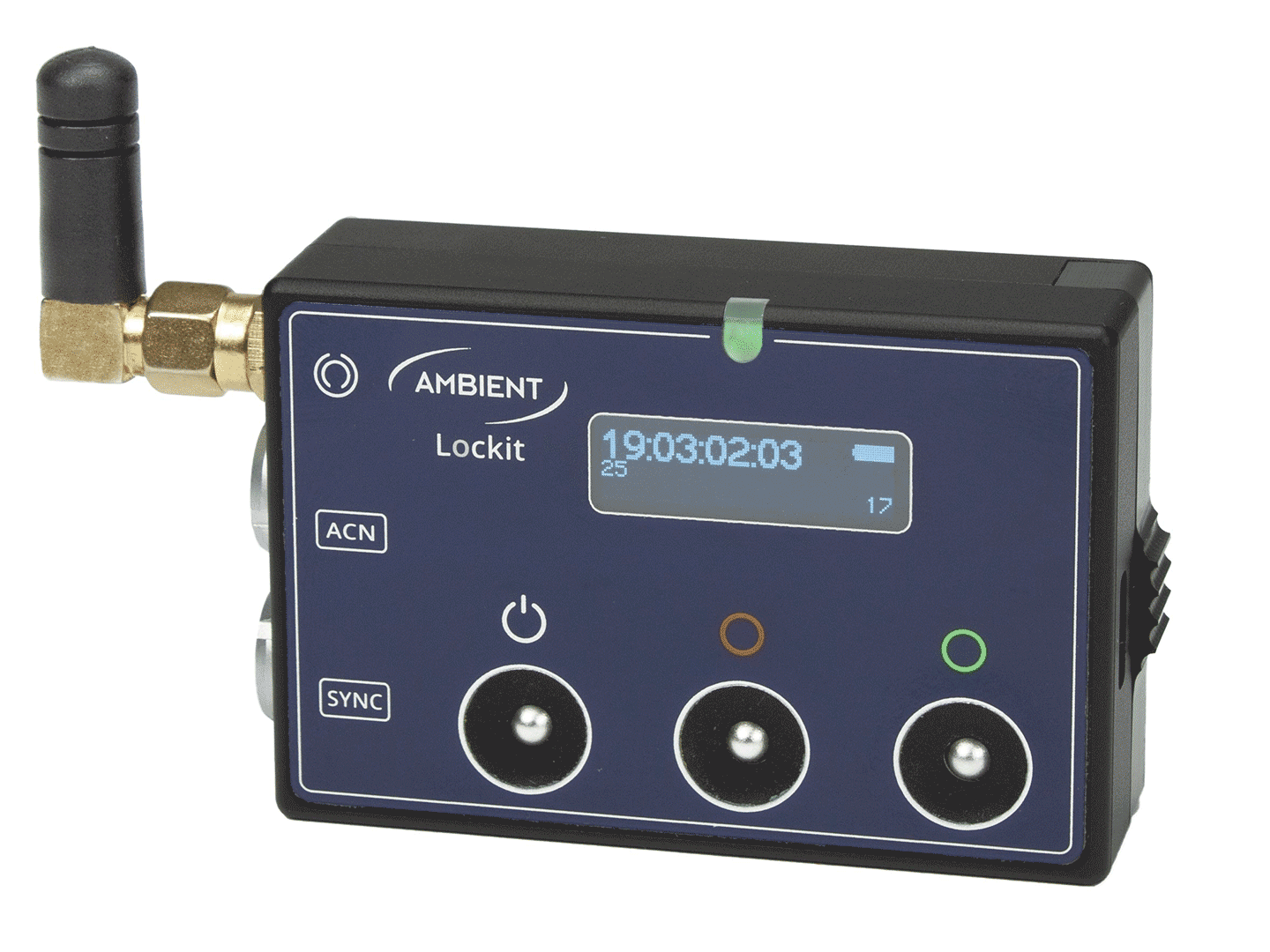
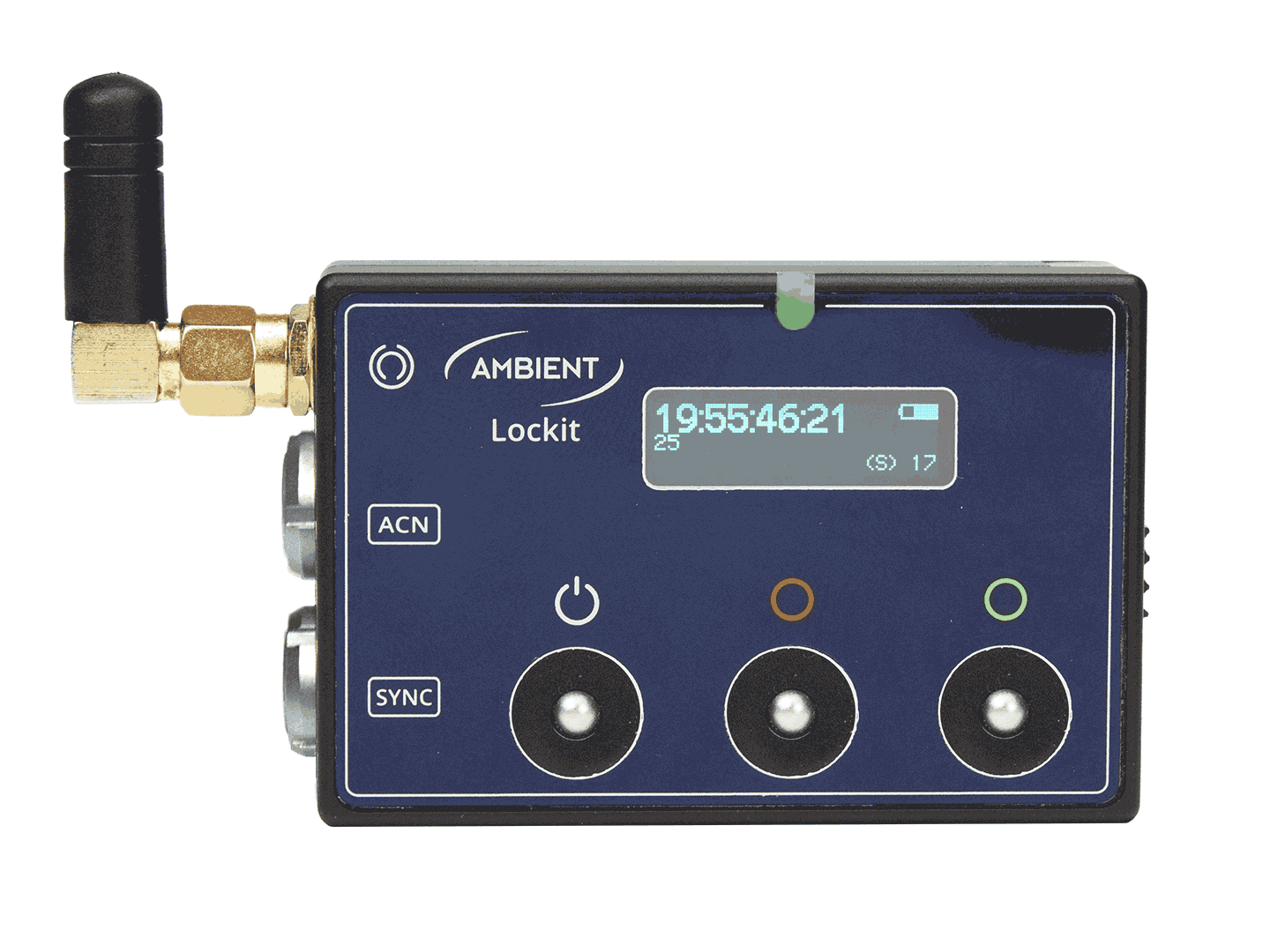
You can control all important functions via the OLED display menu (briefly press the red and green buttons at the same time to open it). So there is no need for an additional app. The Lockit can either start right away with the built-in real-time clock or be fed with external timecode via the 5-pin port.
Battery
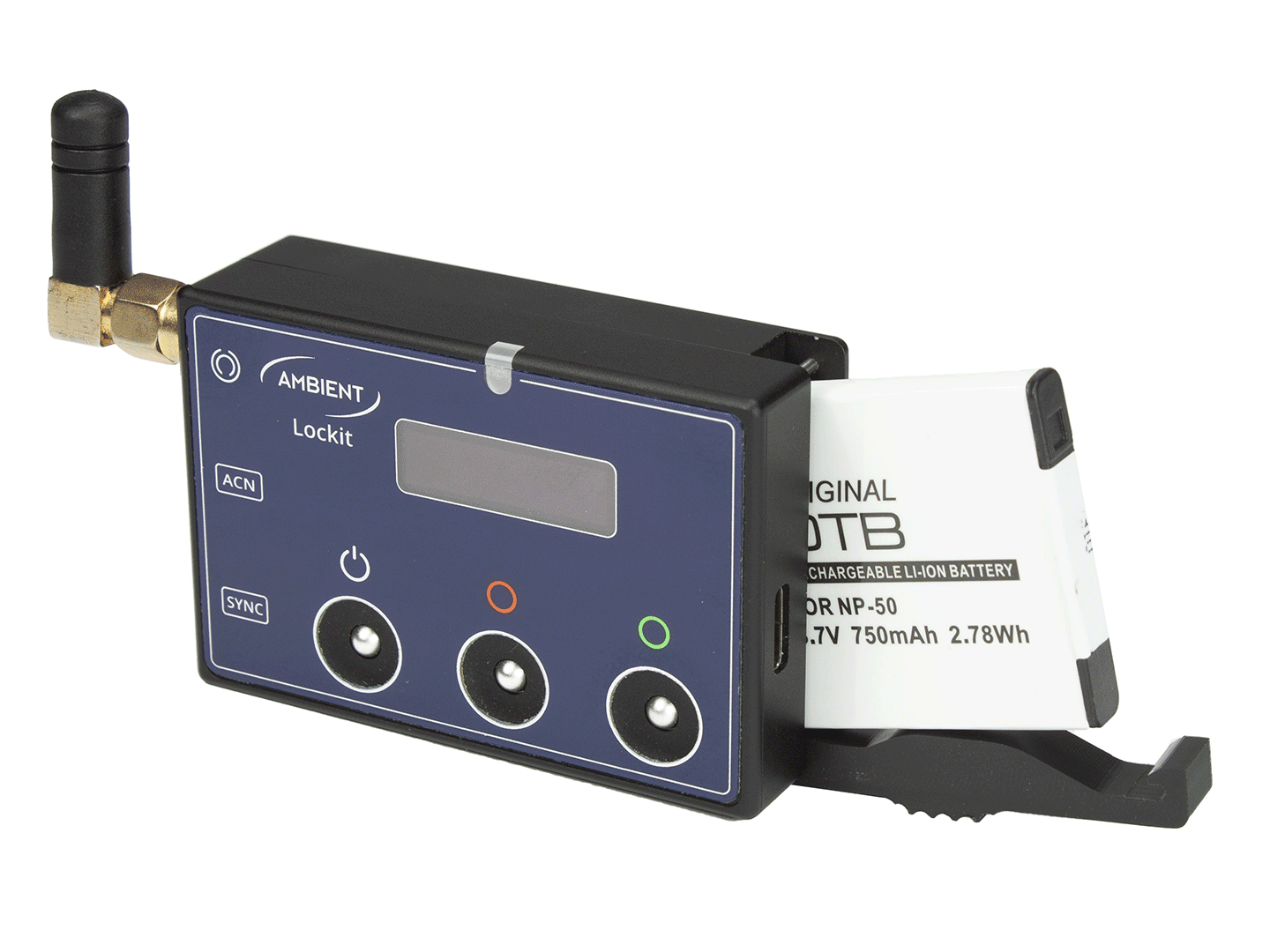
With a single standard NP-50 battery with 750 mAh, the Lockit lasts about 17 hours. Communication via ACN (C-Jam mode) only slightly affects the runtime.
The replaceable lithium-ion battery can be charged during operation. The NP-50 battery is widely used in the pro audio industry and is often available with inexpensive chargers. Spare batteries are available in our shop.
All Sync Formats
Designed for today’s equipment, the Lockit supports 1080P and 1080i genlock for project rates from 23.976 to 60 FPS, covering all the camera sync signals you need. For audio recorders, wordclock from 48 to 192 kHz is available.
Outputs
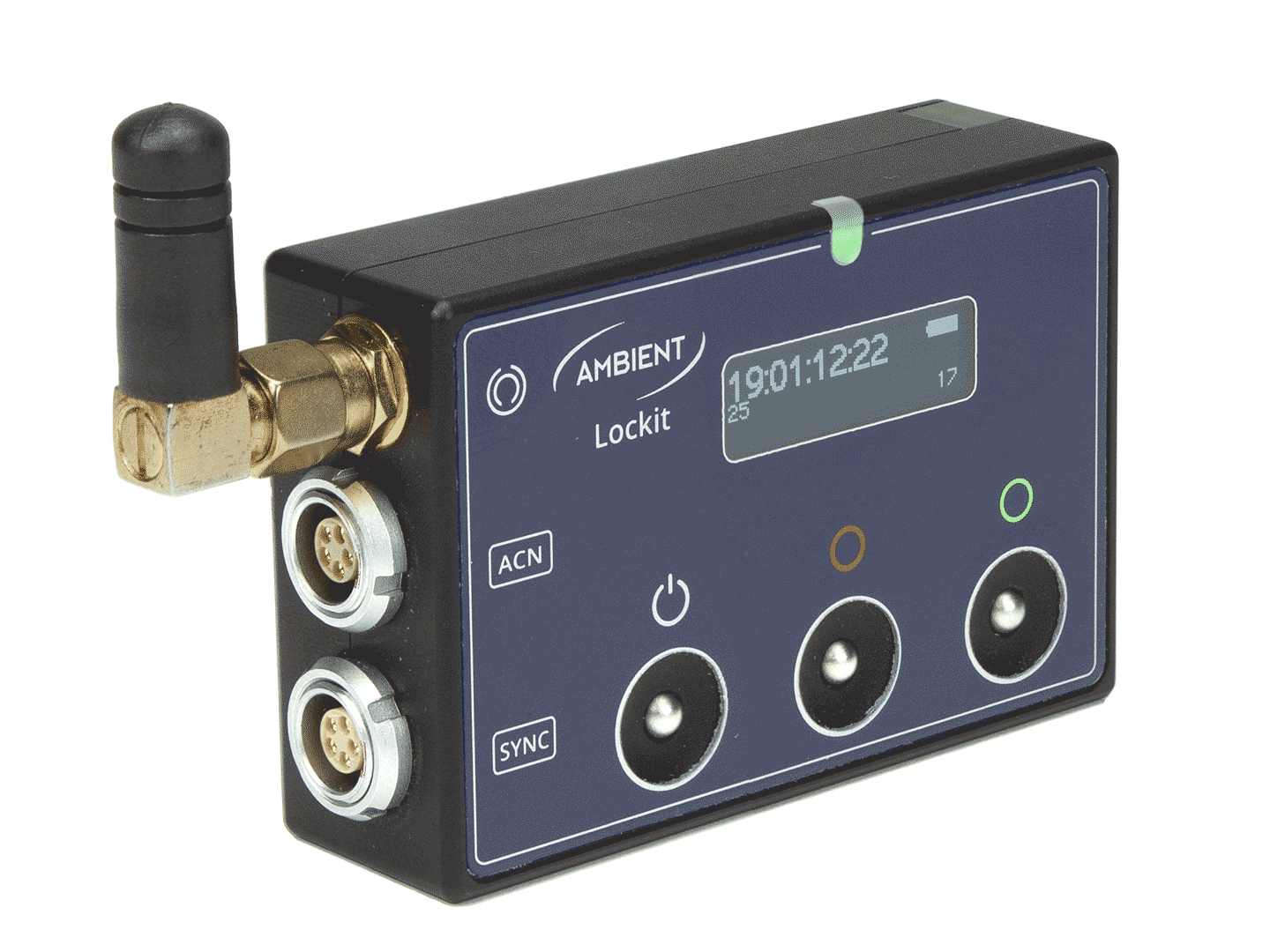
Two 5-pin ports (Lemo-compatible) give you maximum flexibility, and you can keep using your existing cables. TC in and out follow the industry standard and allow you to feed two cameras with timecode in parallel or to jam via cable while the Lockit is connected to a camera.
One port carries timecode and genlock/wordclock, the other timecode and the serial ACN metadata signal. So you are free to use one output for sync and the other for timecode, or a Y-cable carrying both signals.
MIDI Timecode
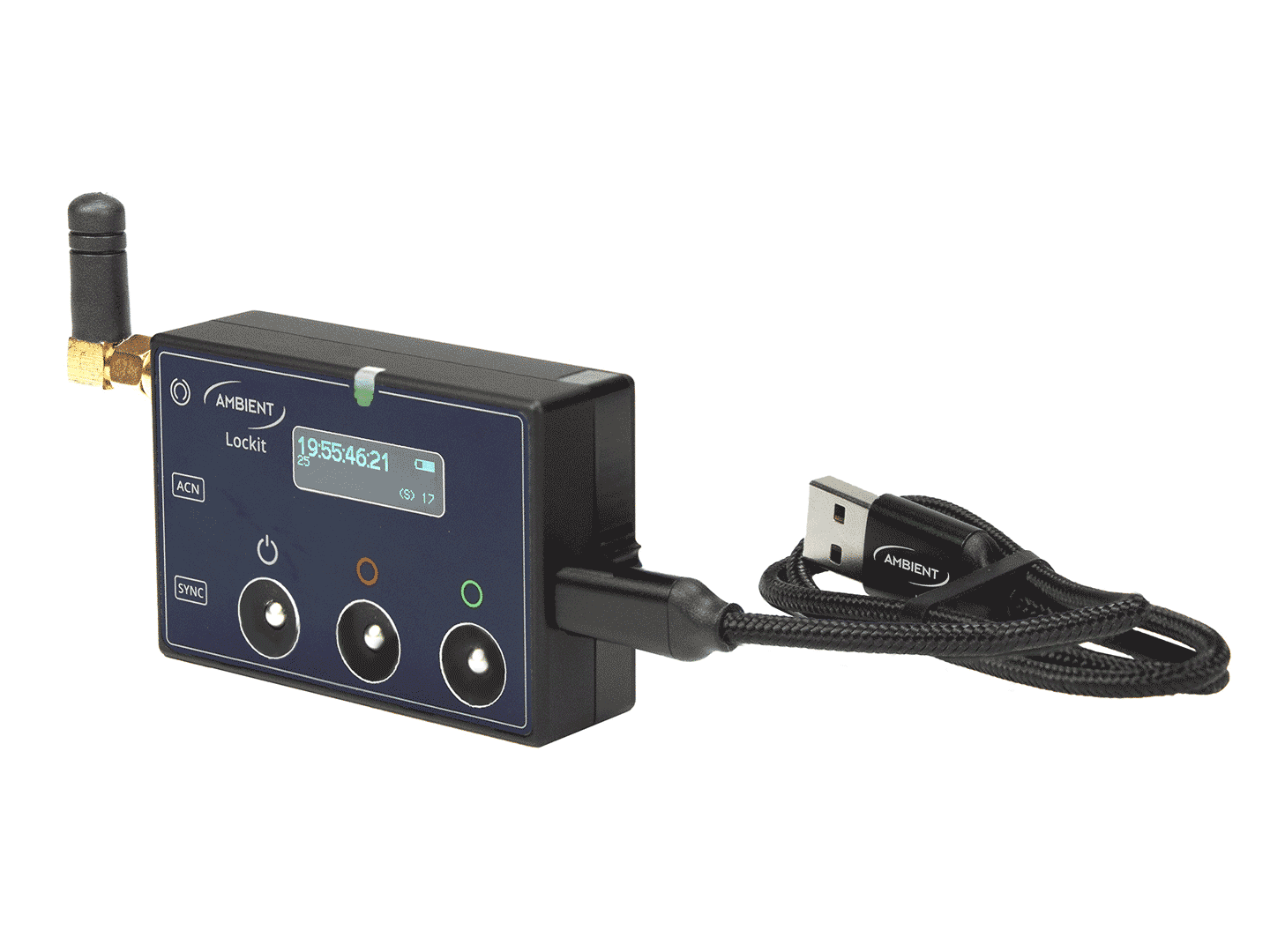
While LTC timecode is output via the 5-pin ports on the side, MIDI timecode can be tapped via the USB-C interface. For example, to feed timecode to the DAW (Digital Audio Workstation) on your laptop. Some camera types also accept MIDI timecode via a standard USB cable.
Powering and charging
A reversible USB-C port is used for charging and external power. Connect your Lockit to a Mac, a PC or a compatible camera and it automatically becomes a MIDI timecode interface.
Recommended Camera Mount