
Ambient
LockitSlate Take 2 (ACN-LS2) - Timecode Slate
LockitSlate Take 2 (ACN-LS2) - Timecode Slate
excl. VAT
in stock
Item number: A80952
Couldn't load pickup availability
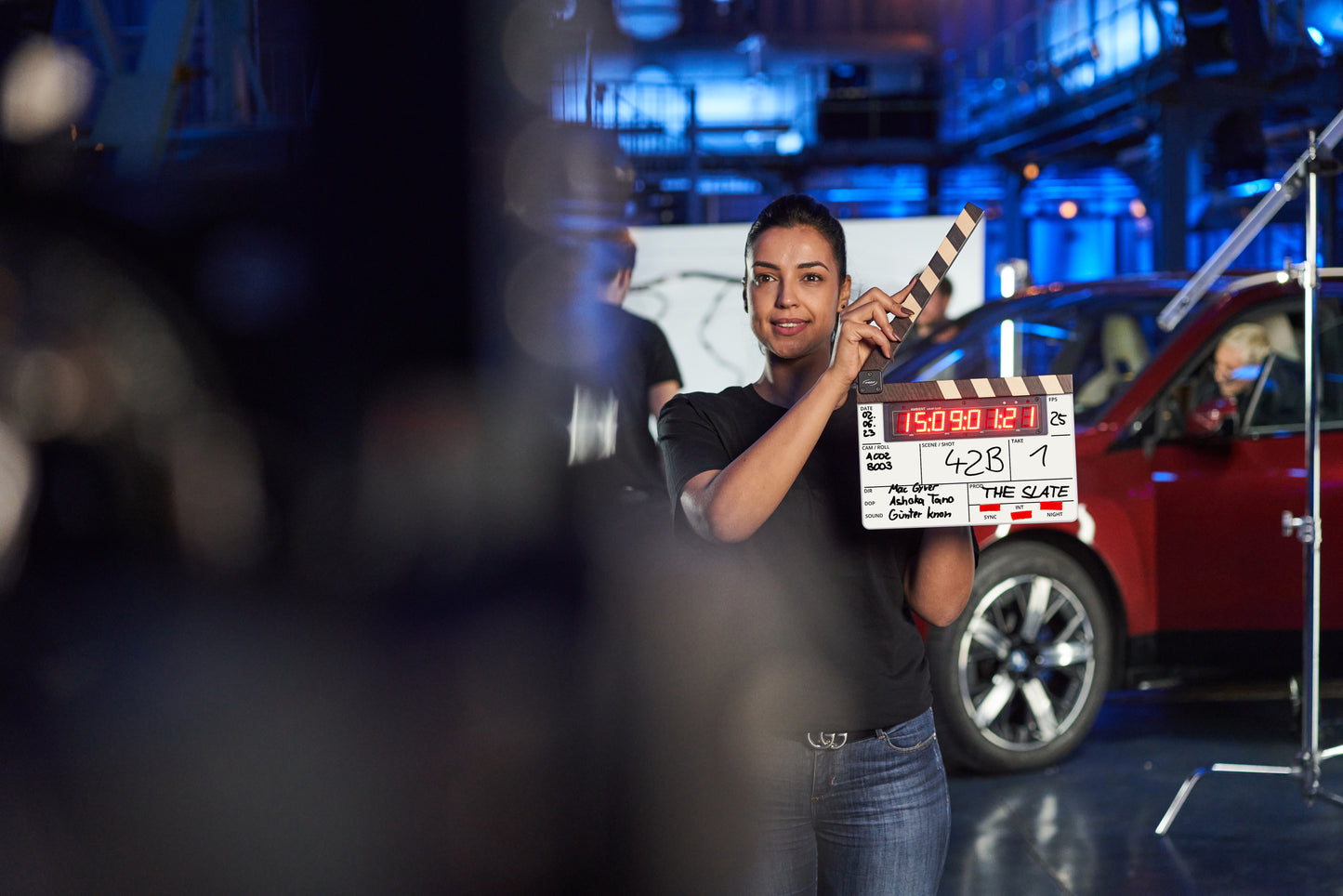
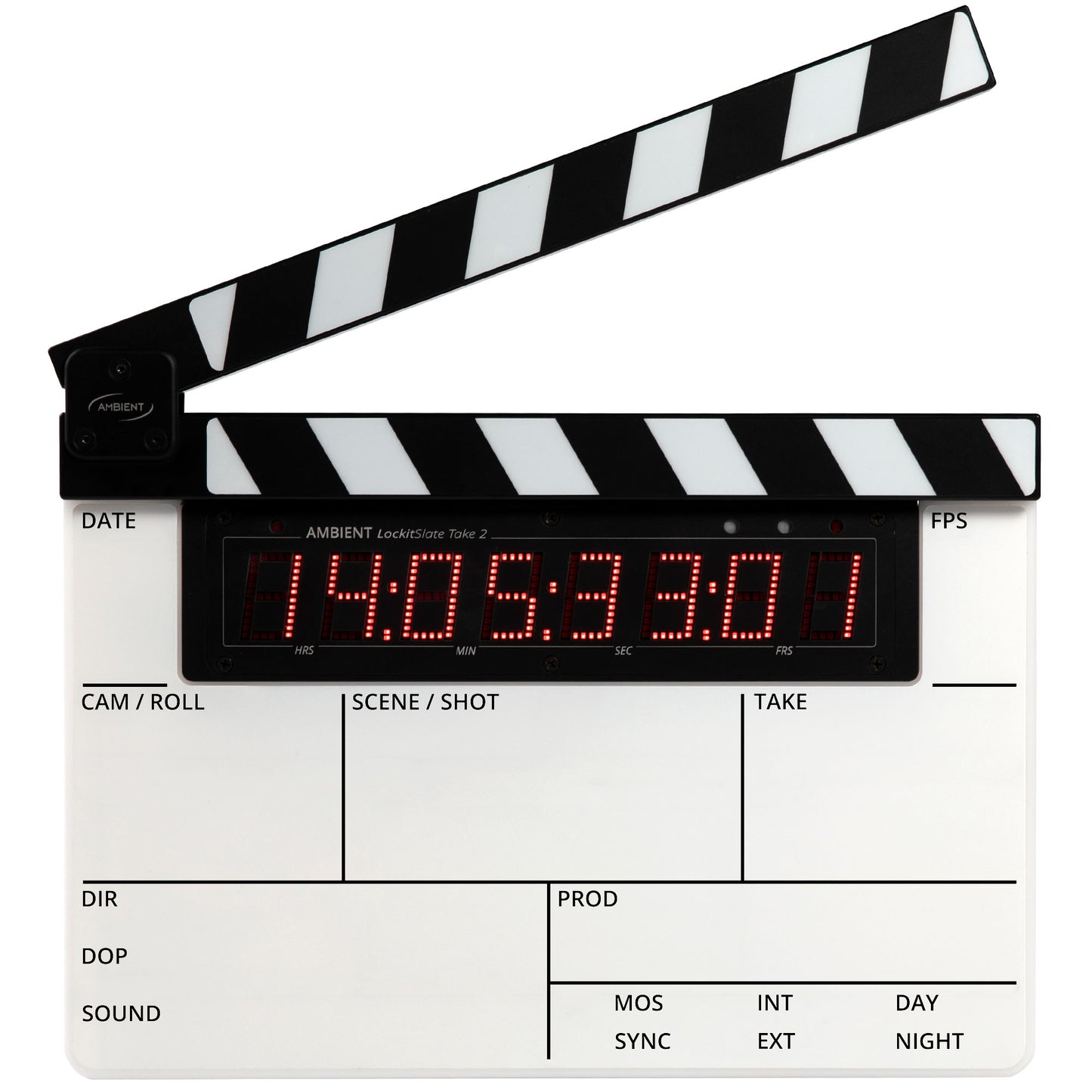
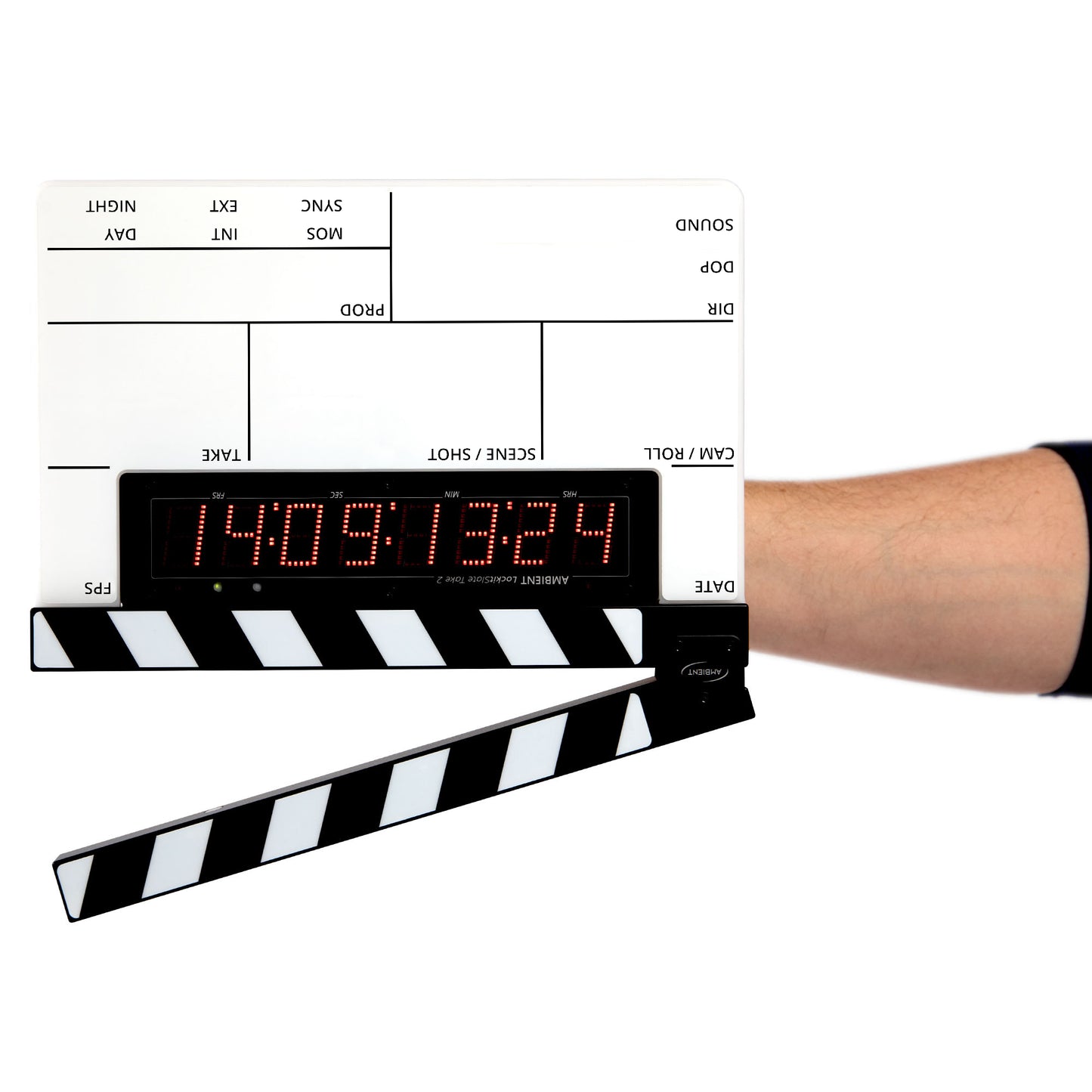
LockitSlate – the modular LED Timecode Slate
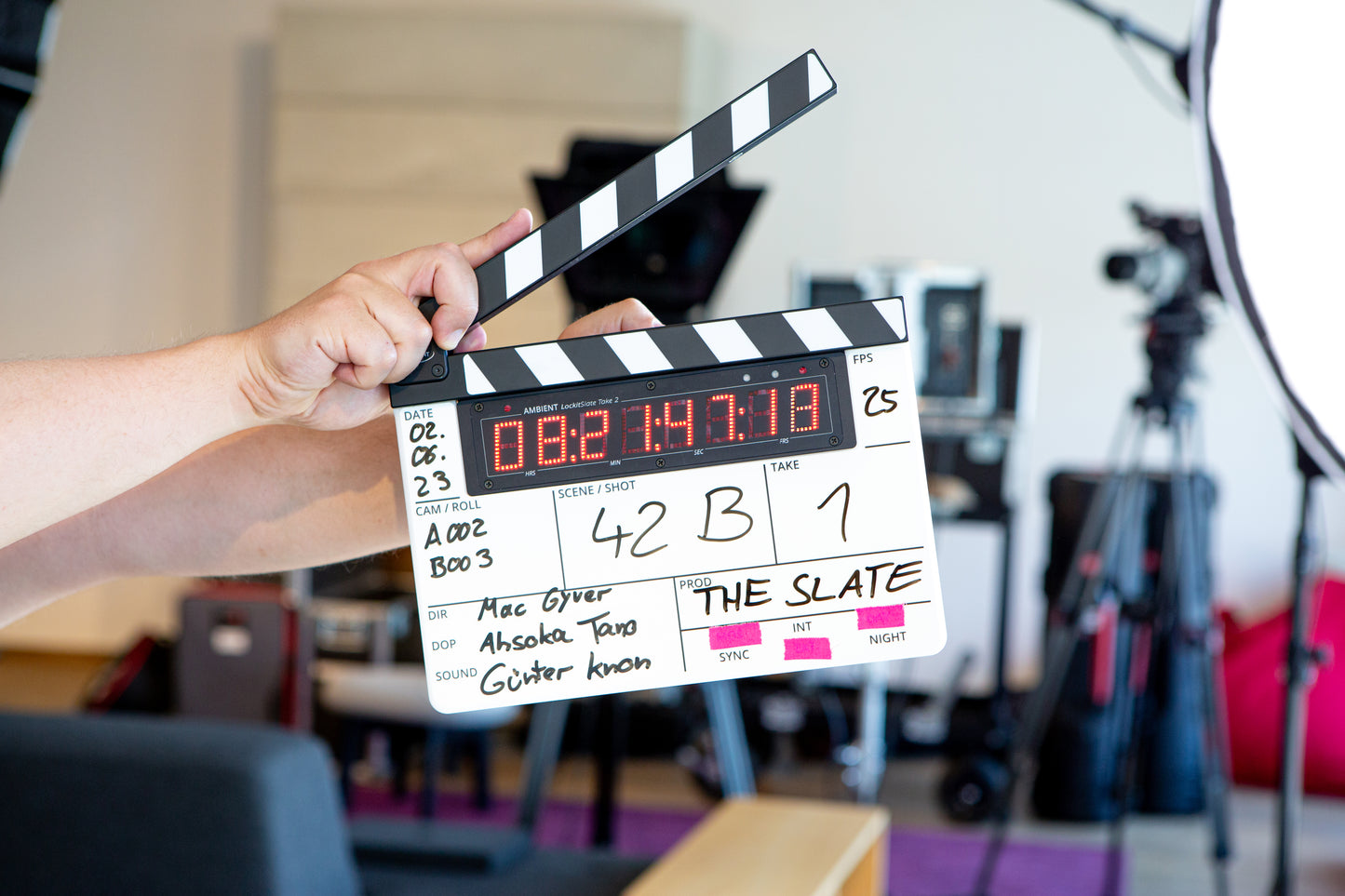
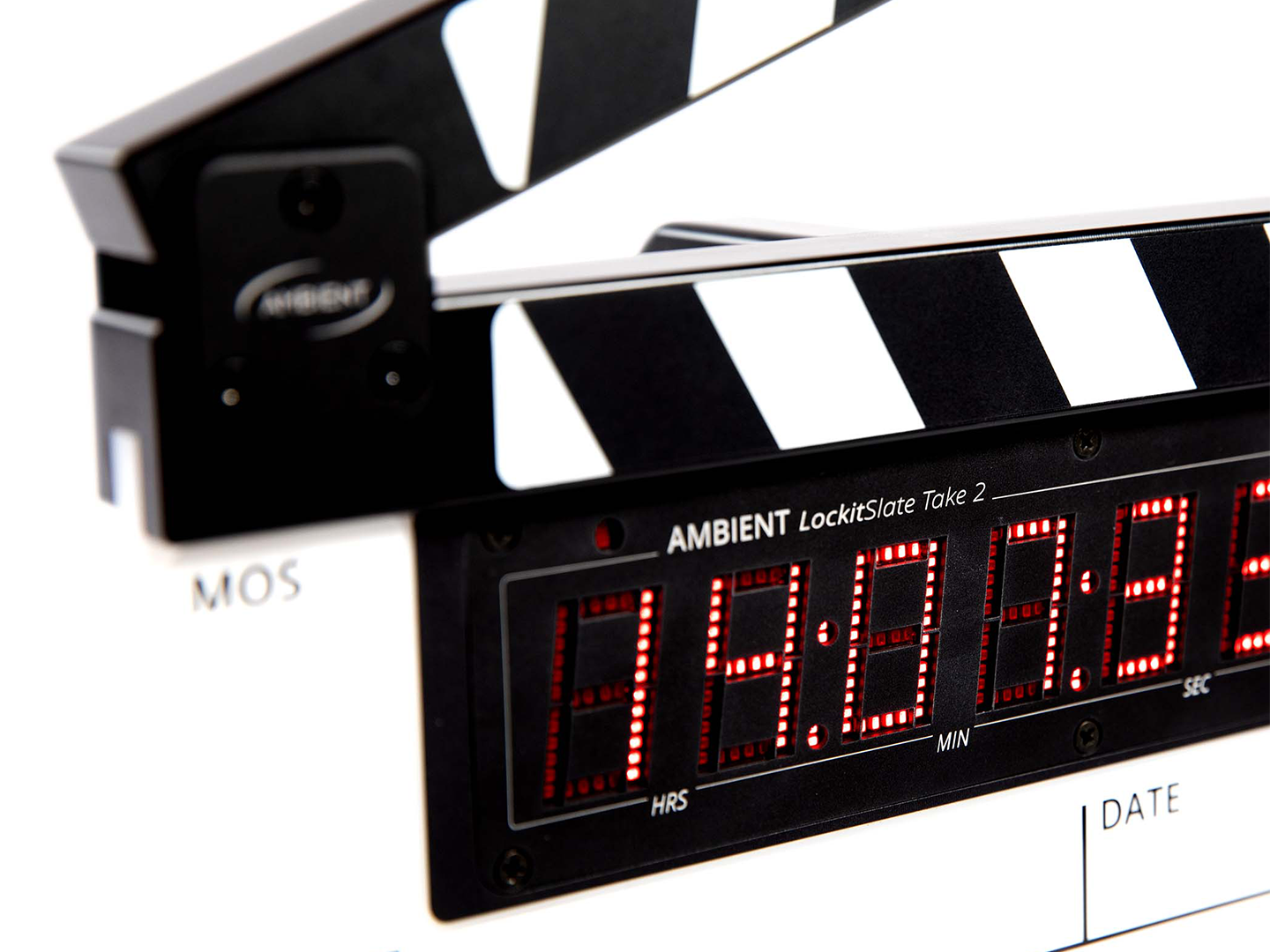
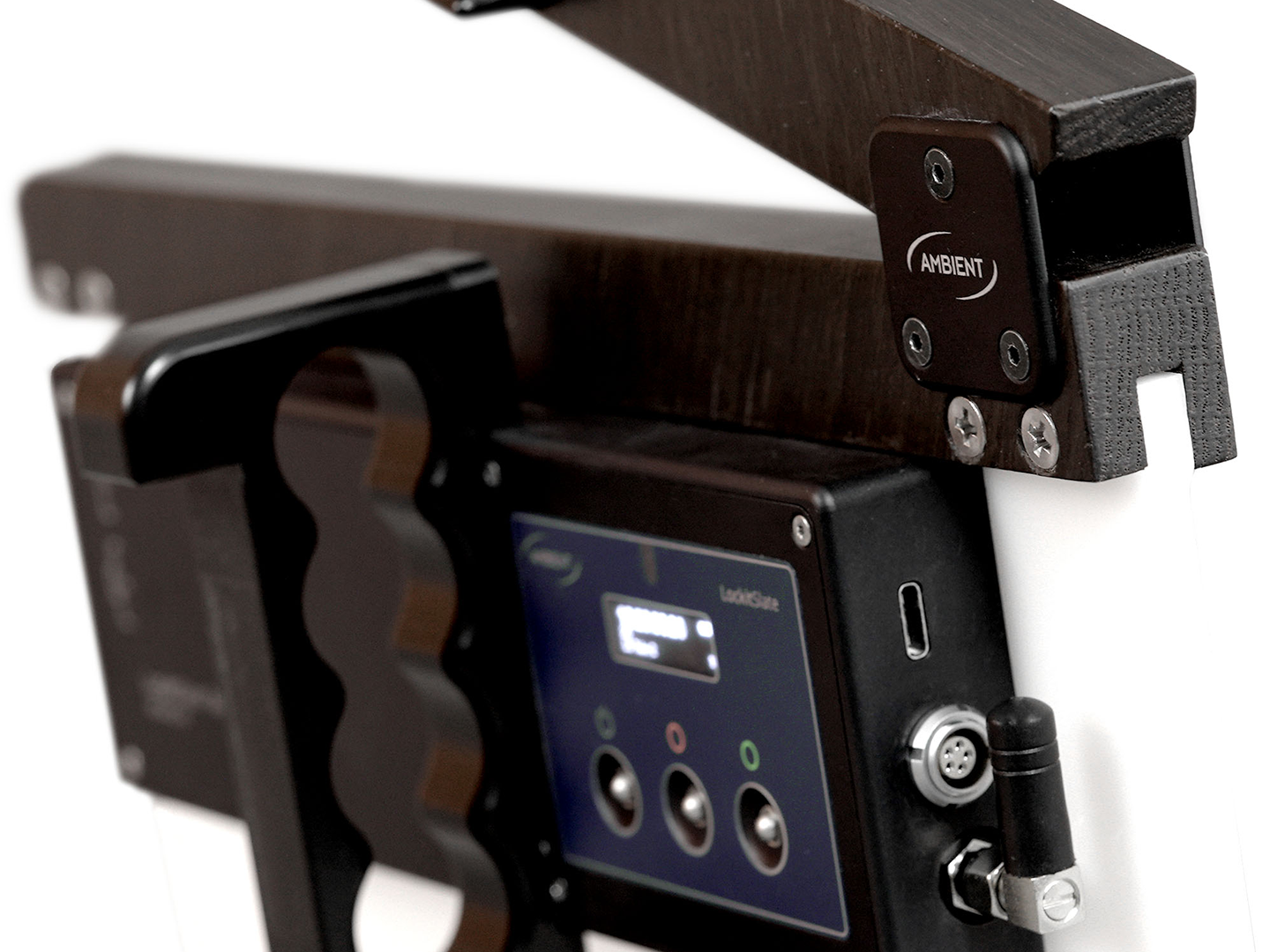
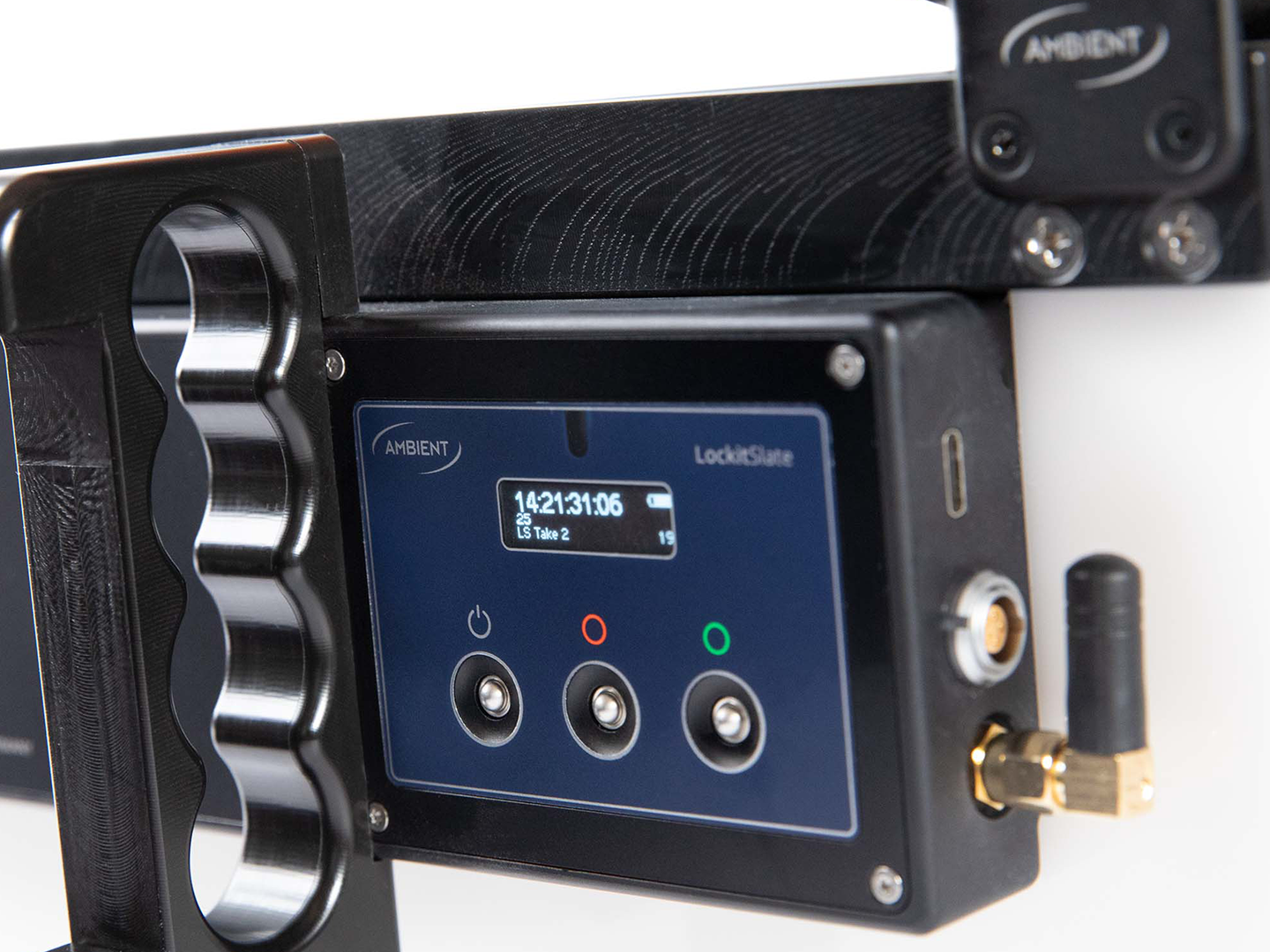
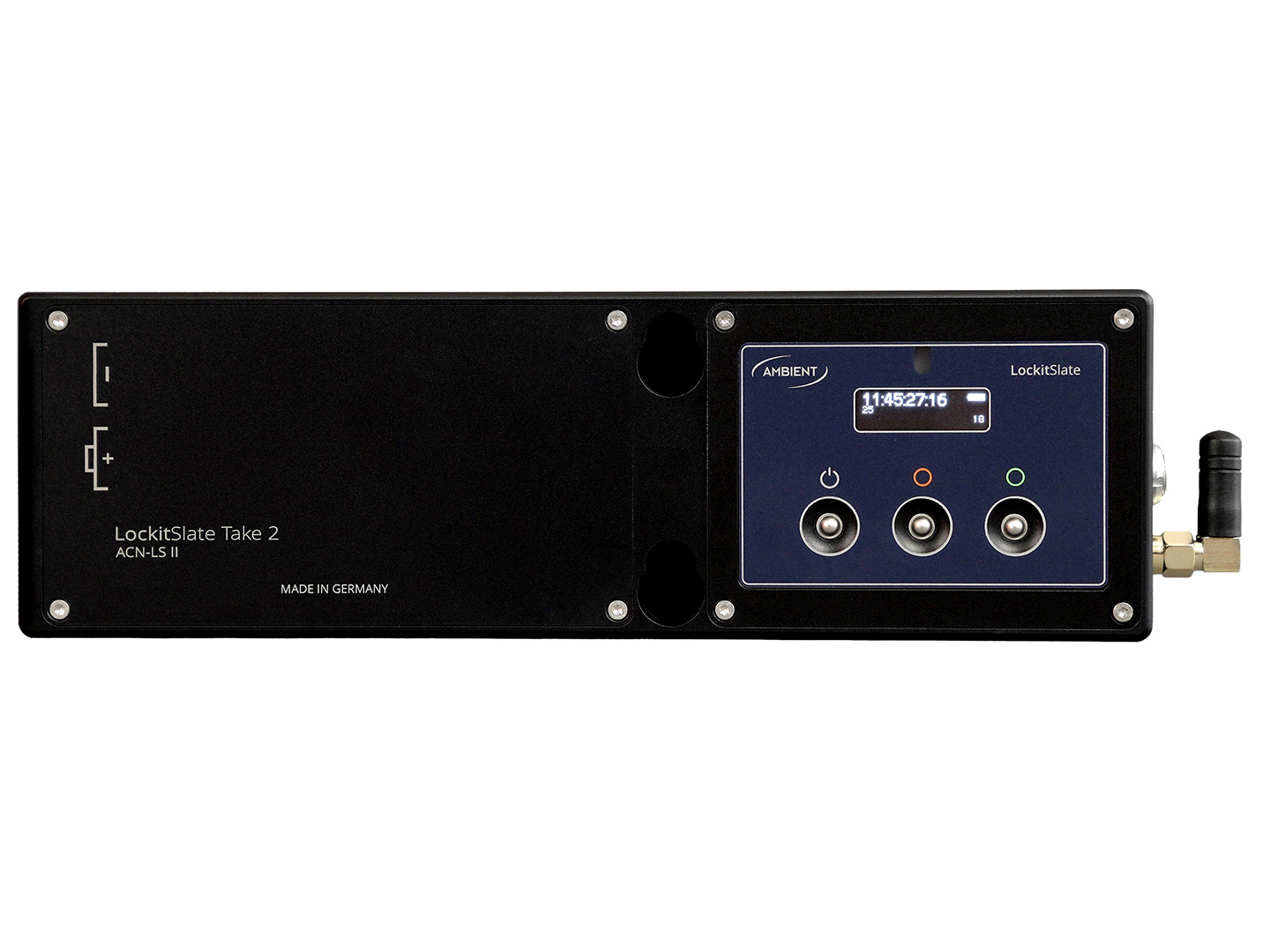
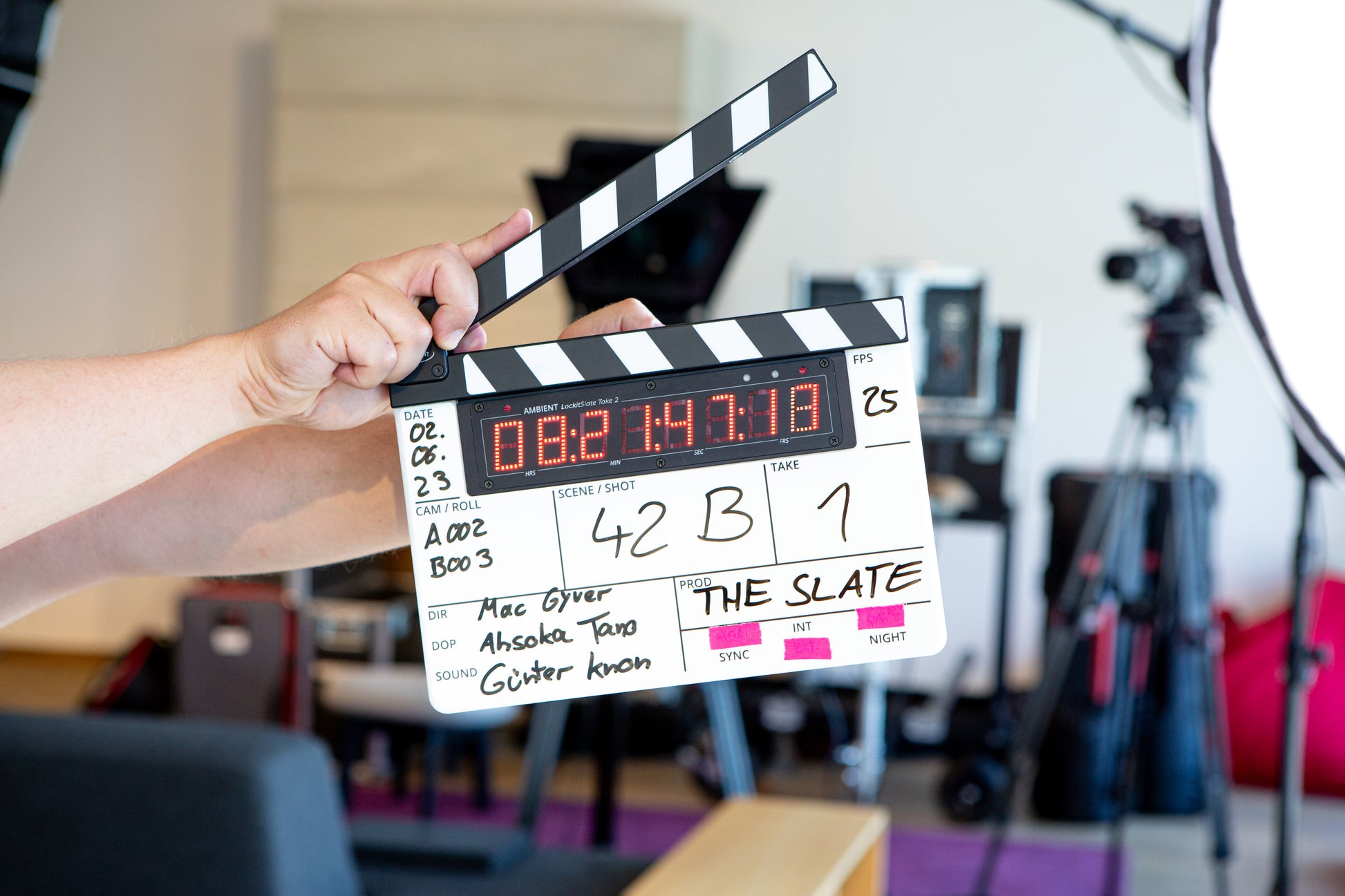
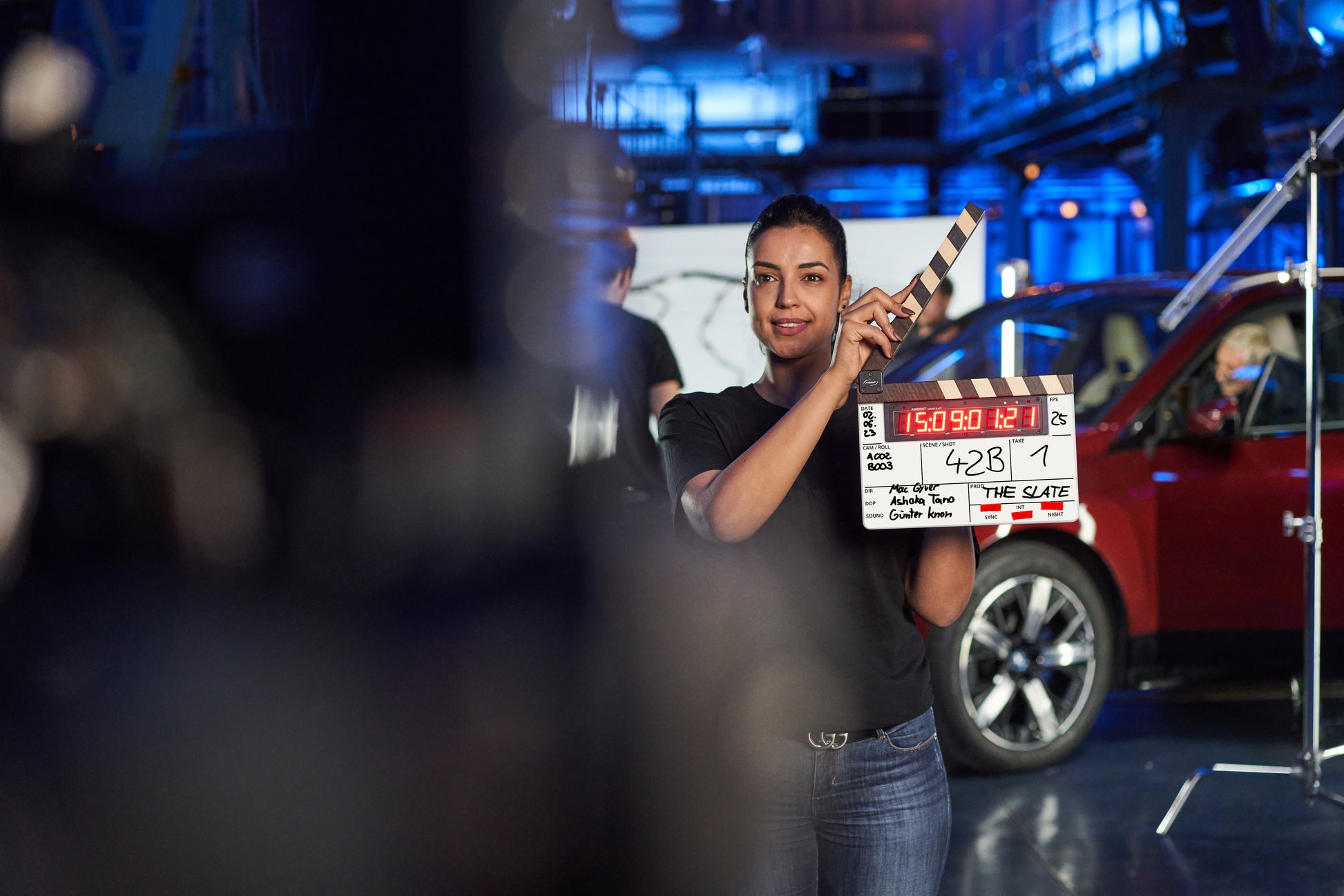
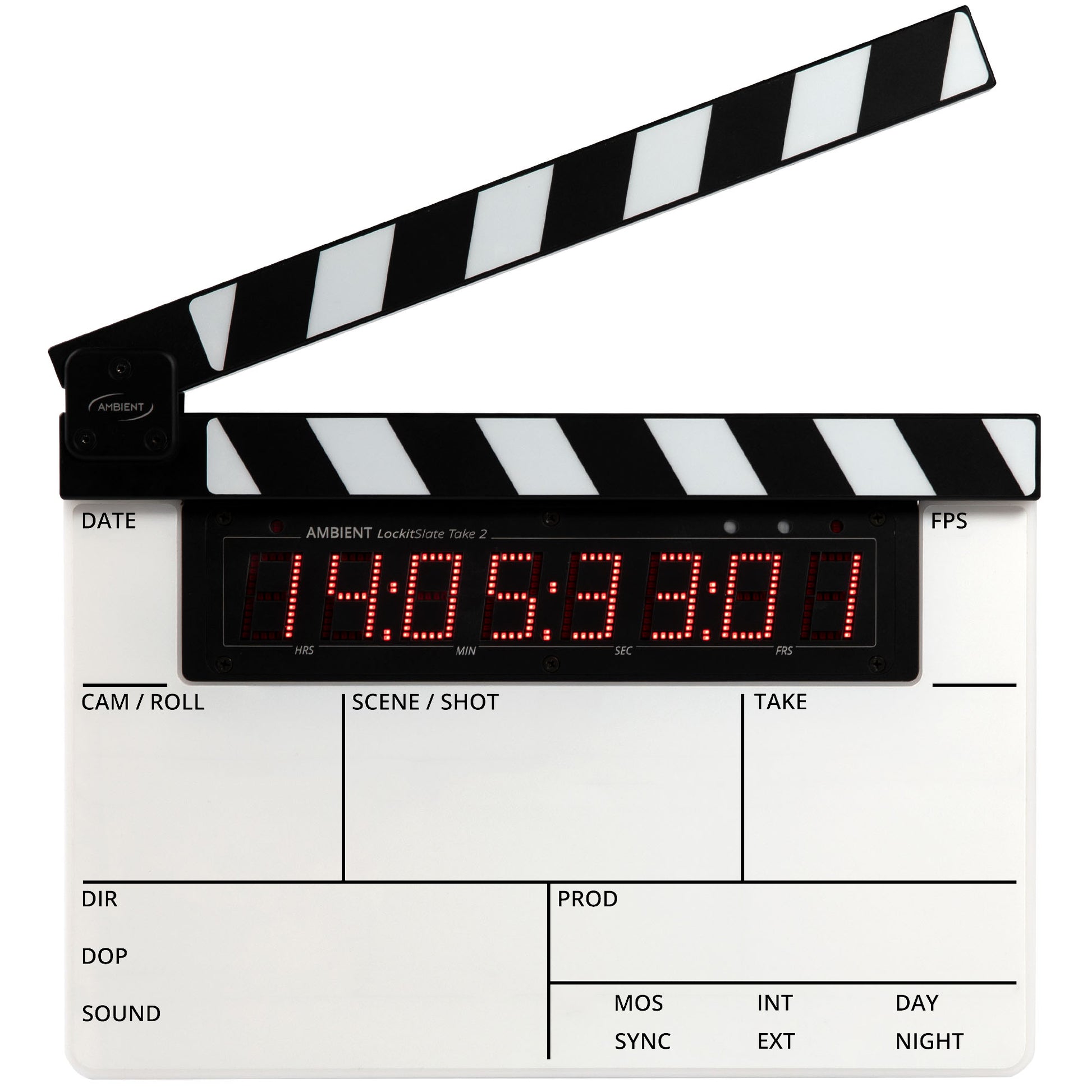
The LockitSlate Take 2 (ACN-LS2) is a highly accurate smart-slate system featuring a unique product design and functionality.
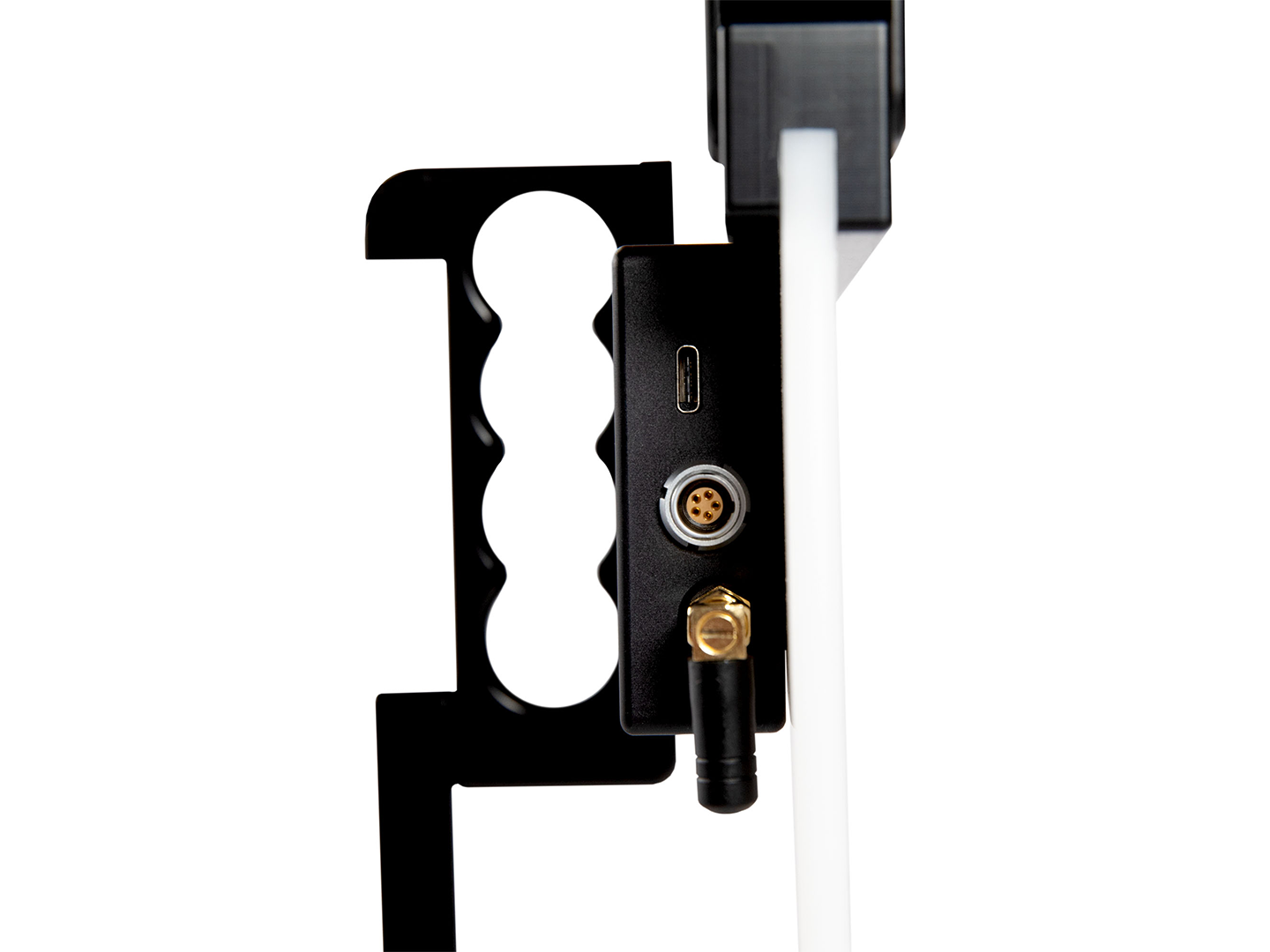
It is the successor to the popular LockitSlate and fully compatible. We kept the construction and dimensions so that accessories or custom-made faceplates can seamlessly be used on the new product. It is powered by 4 AA cells and optimized for rechargeable NiMH batteries. This allows for a runtime of about 17 hours with the display active at default brightness (with 2500 mAh batteries). External powering is possible via USB-C. Improved resistance against humidity thanks to a lip seal around the LED display.
Operation and Display
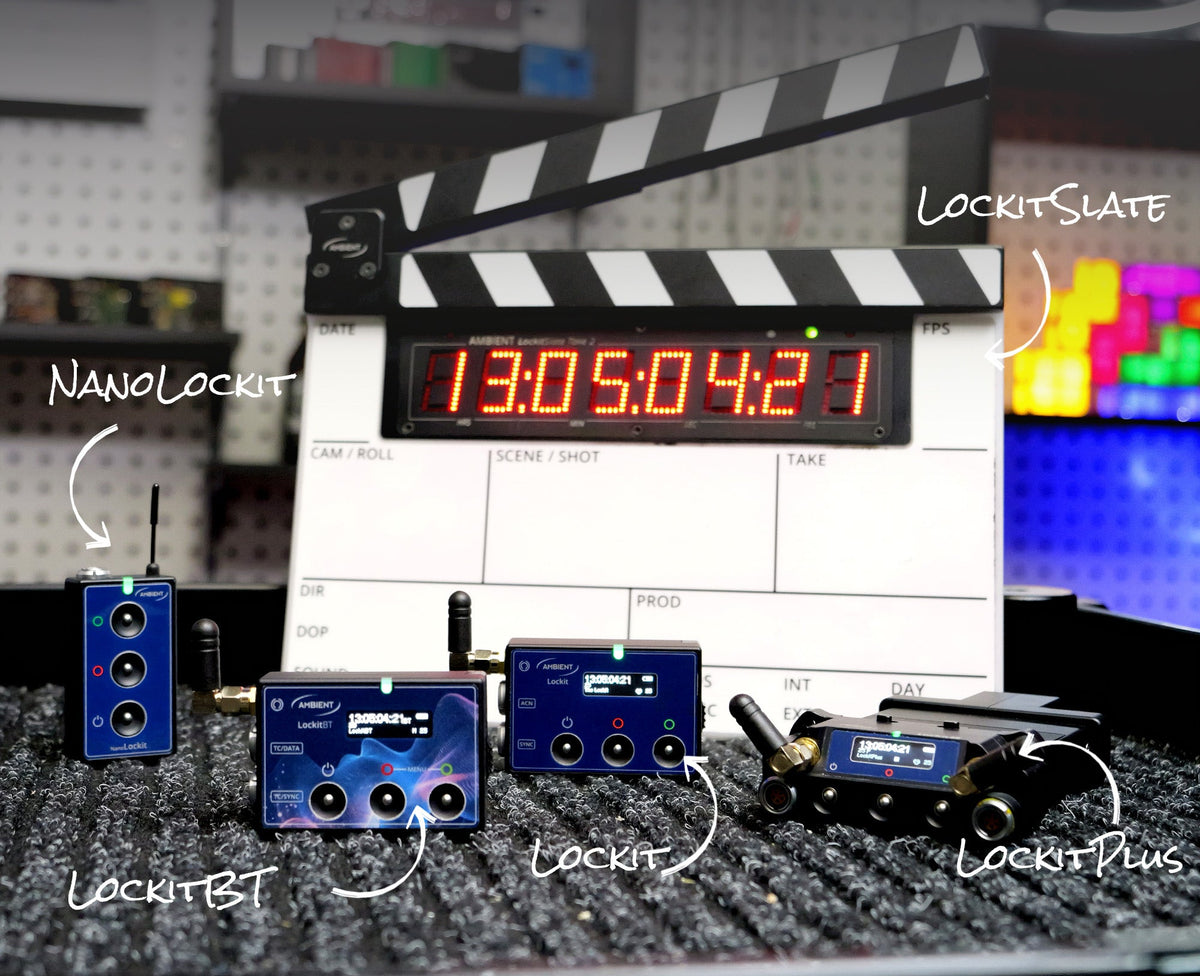
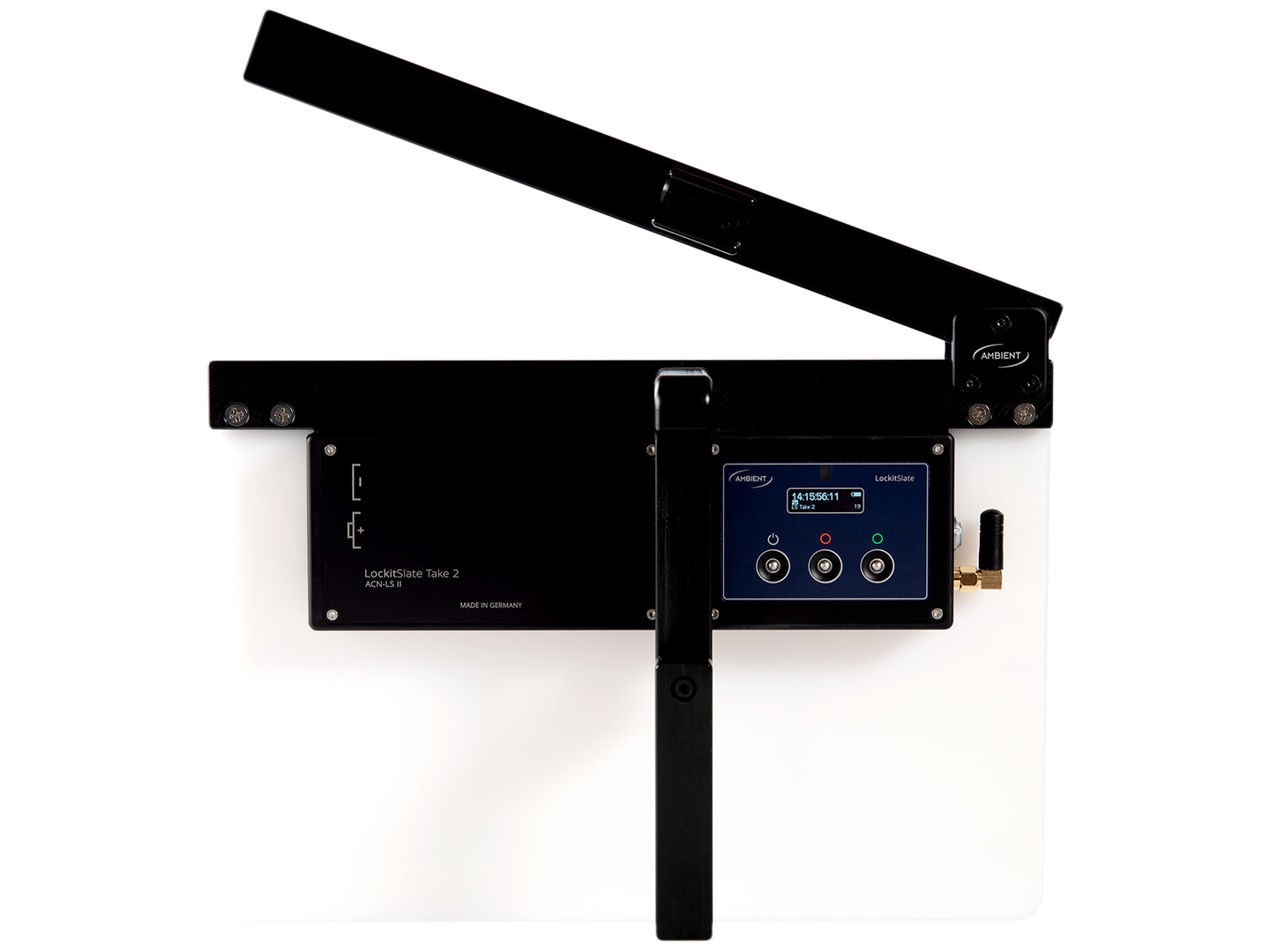
You operate the LockitSlate with the same 3 buttons as the Lockit and NanoLockit. New is the adaptive LED brightness mode: once you have set the desired brightness manually, the display dynamically adapts to changing light situations.
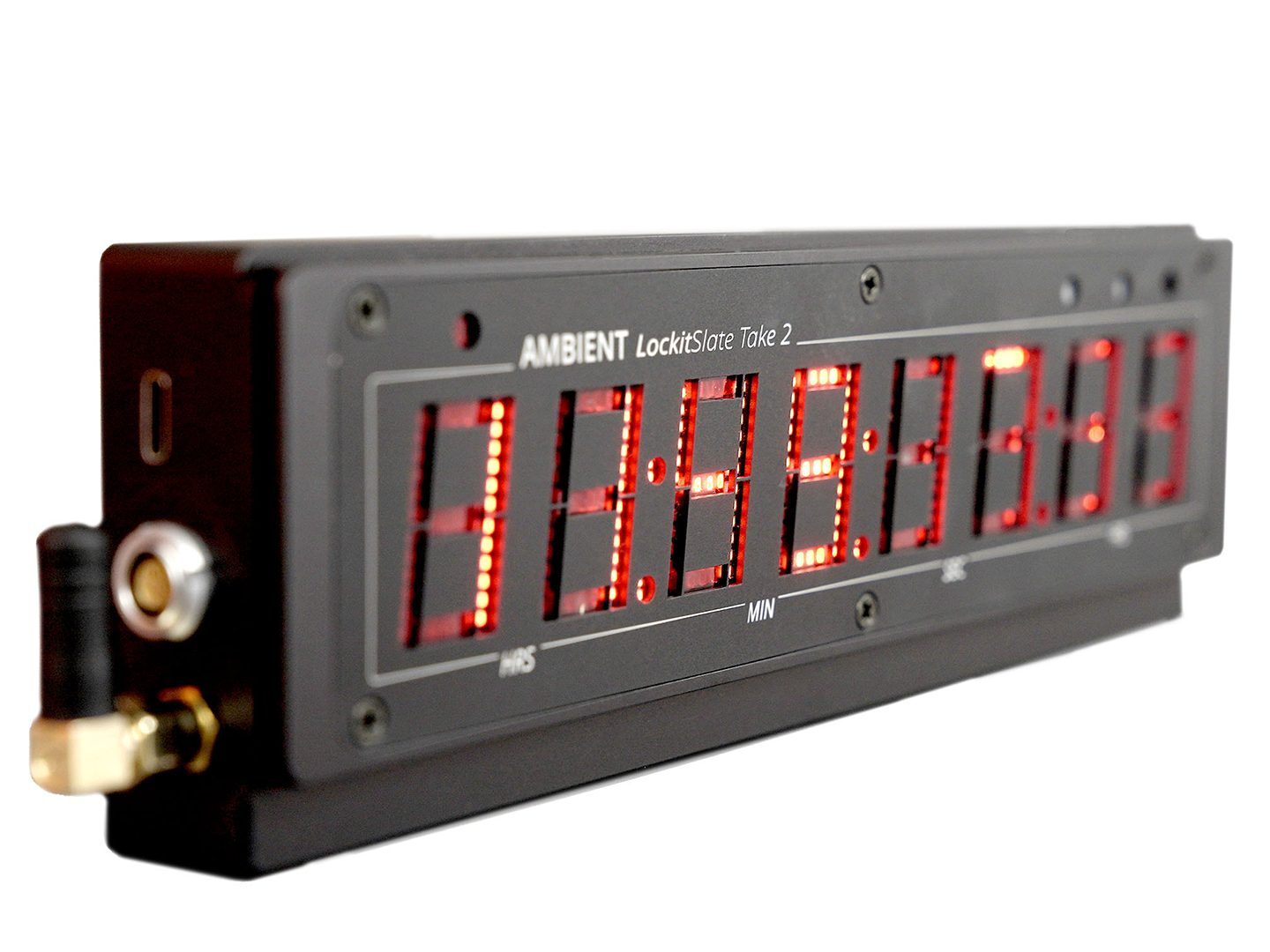
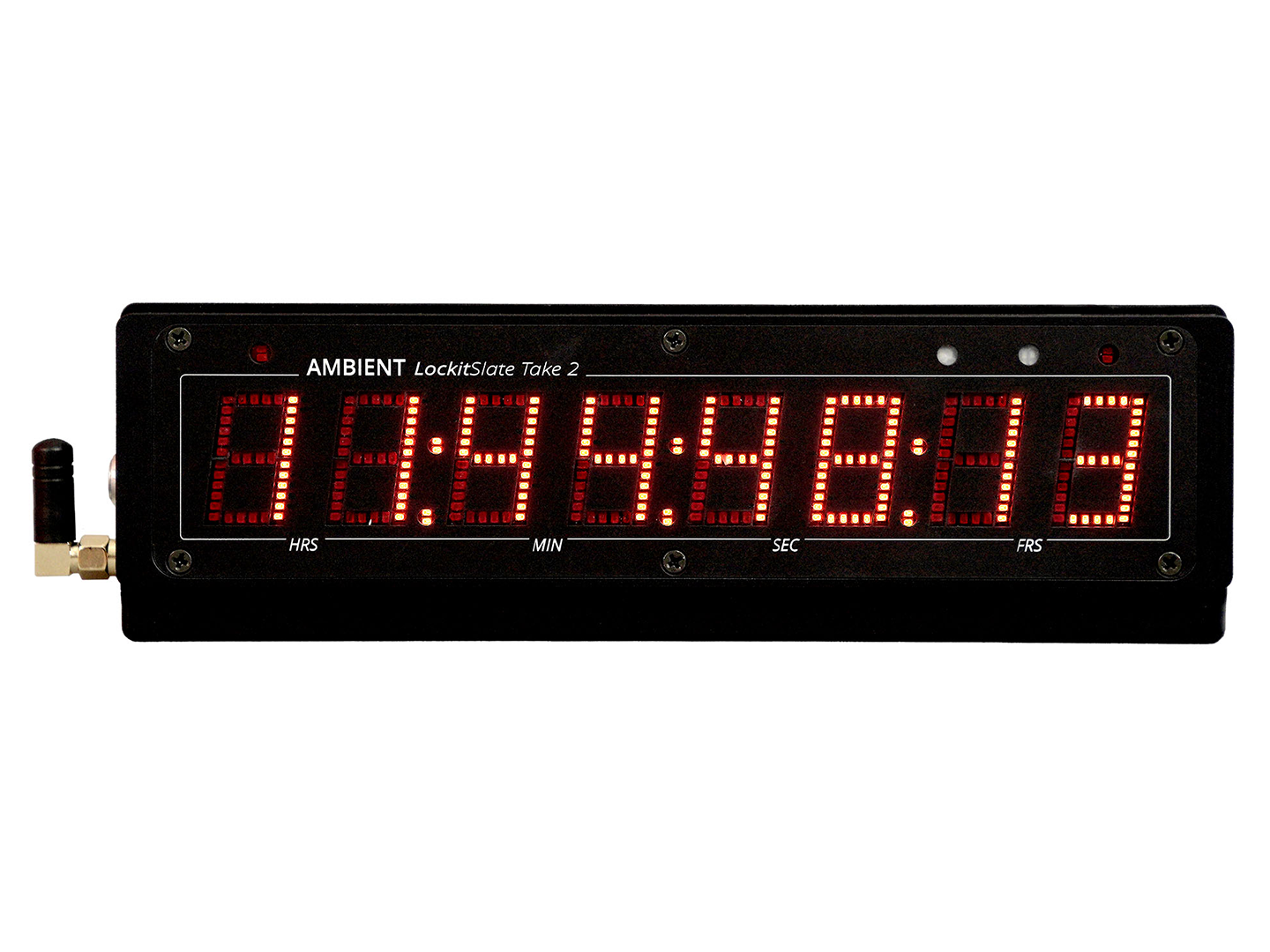
Use the display standalone as a fully functional timecode interface
With its all-new and revolutionary modular construction, the electronic section of the LockitSlate can also serve as a fully functional, compact standalone display for documentary or desktop use. Housed in a machined, pearl-blasted and anodized aluminum body, it can easily withstand the roughest production conditions.
Use the LockitSlate as MIDI TC display and interface
Plugged into a computer, the LockitSlate transforms into a highly accurate MIDI timecode interface with LTC / MIDI timecode conversion and a big TC LED display. This way the ACN-LS2 opens up the possibility to sync multiple cameras with a Pro Tools workstation.
TX Mode
In TX Mode, the LockitSlate becomes a timecode bridge: it waits for an external timecode signal and automatically adapts its speed to that source. It then passes the timecode on to all other Lockits via ACN. This is especially useful if you want your audio recorder to be the master clock on set or if your studio already has a studio master clock – as well as for playback shoots or virtual production setups. The source can be LTC via cable or MIDI timecode from your computer.
To start TX Mode, press and hold the red button, then tap the power button. You can find a step-by-step guide to TX Mode in our FAQs.
TC Offset
Some cameras always lag behind by one or more frames, even though they are fed the correct timecode. The reason is an internal processing delay in the camera. To fix this, you can set an individual offset on the LockitSlate. Find out how in our FAQs.
Create your own designs
CAD prints of the slate board are available to allow for personal constructions.
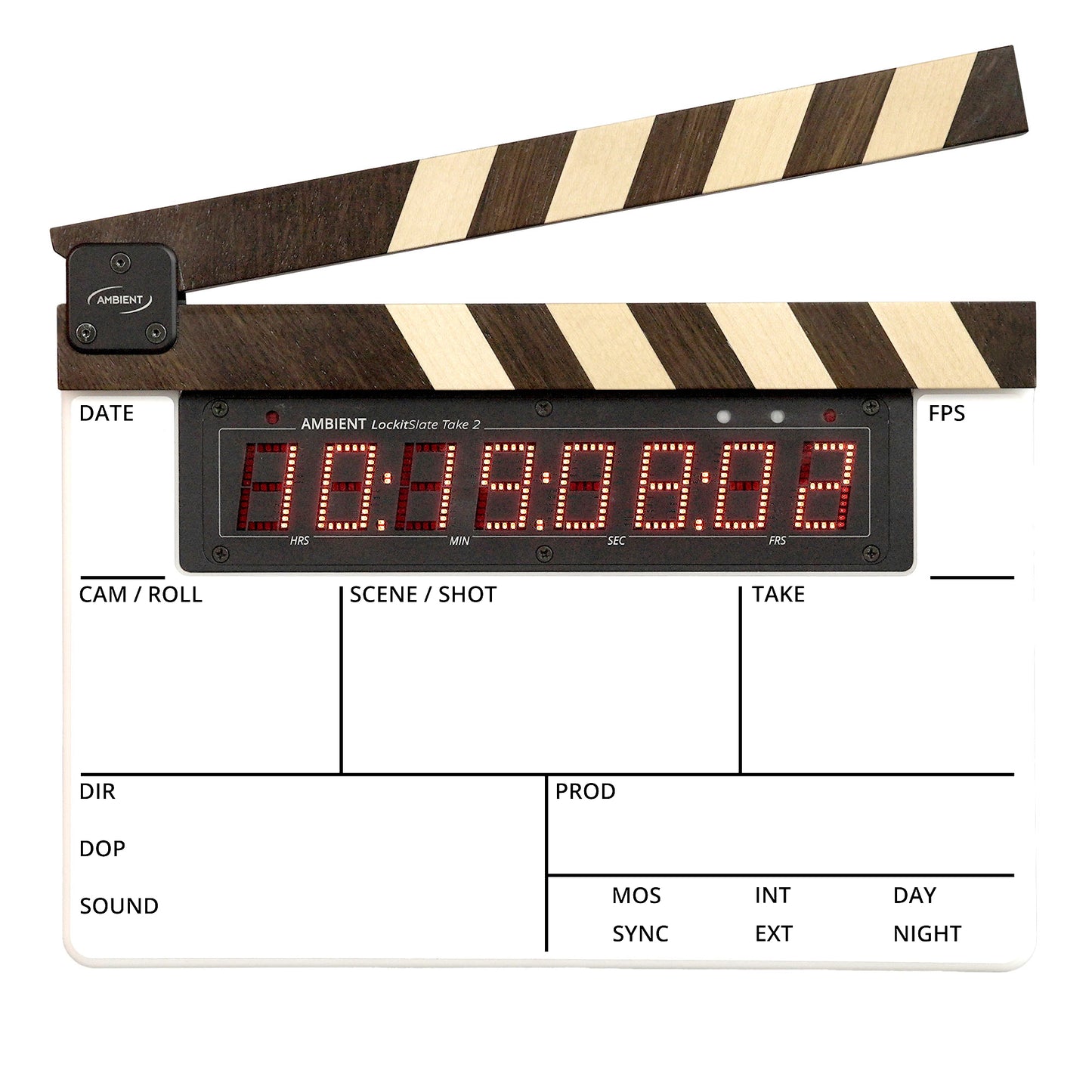
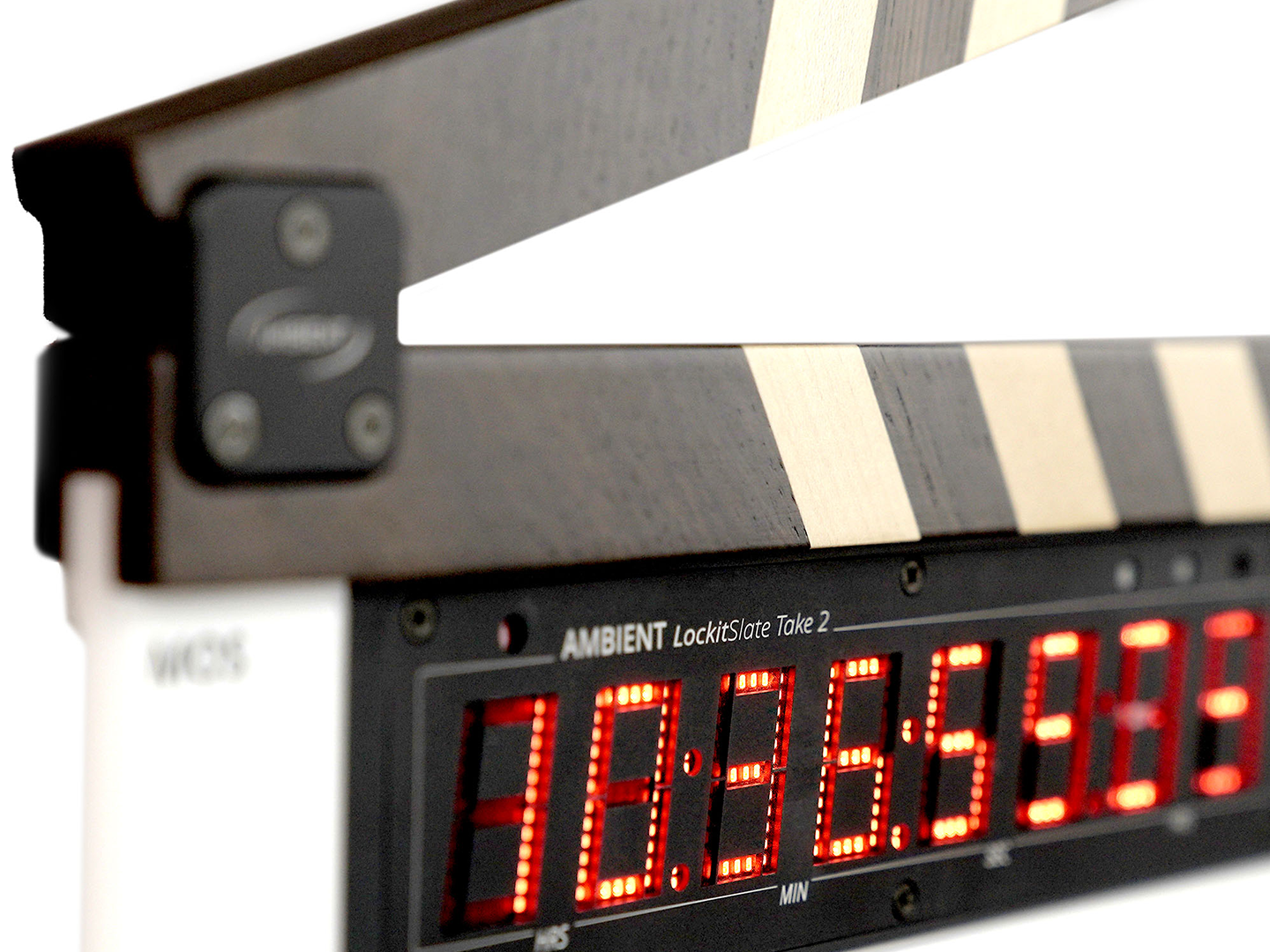
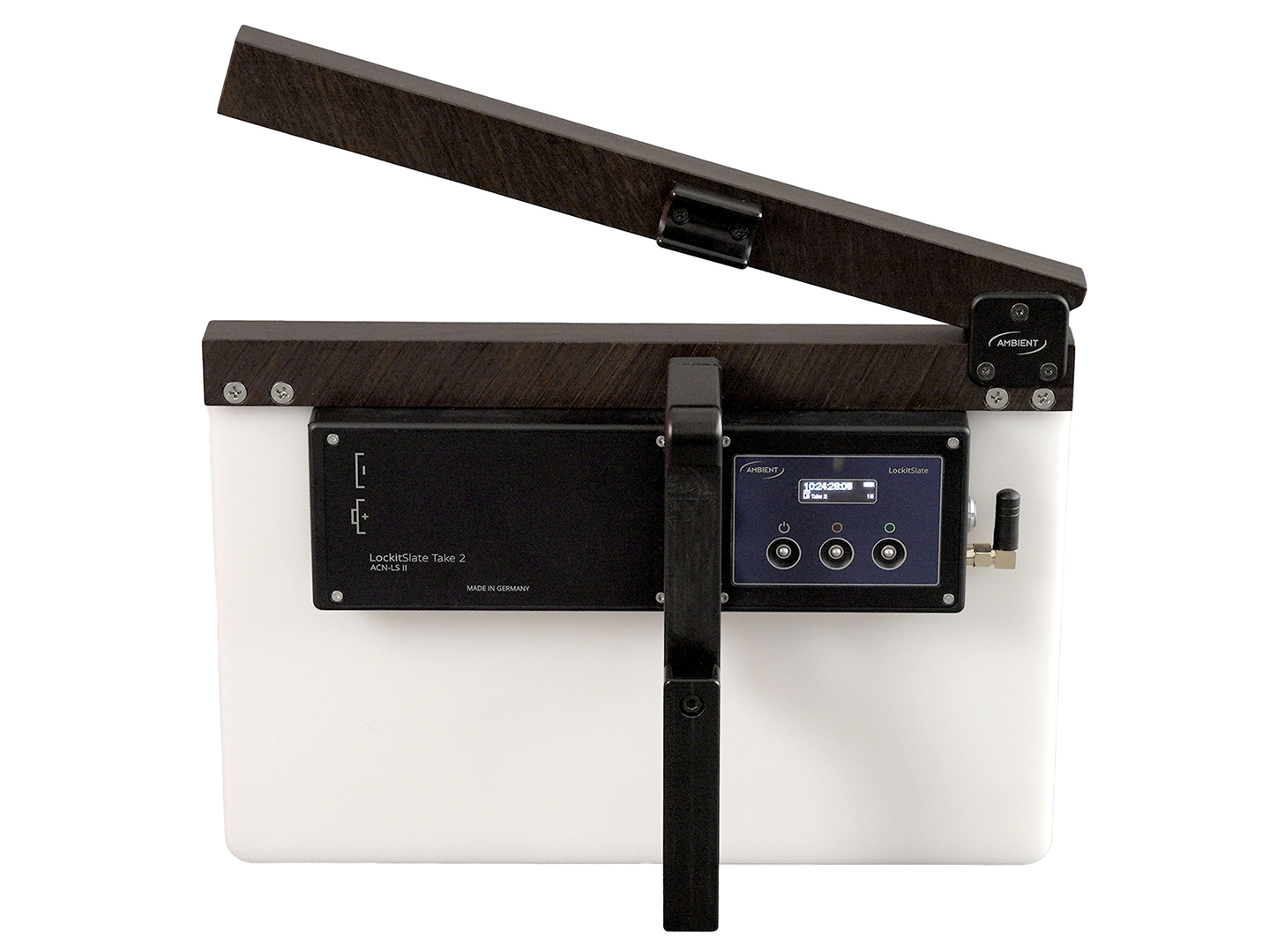
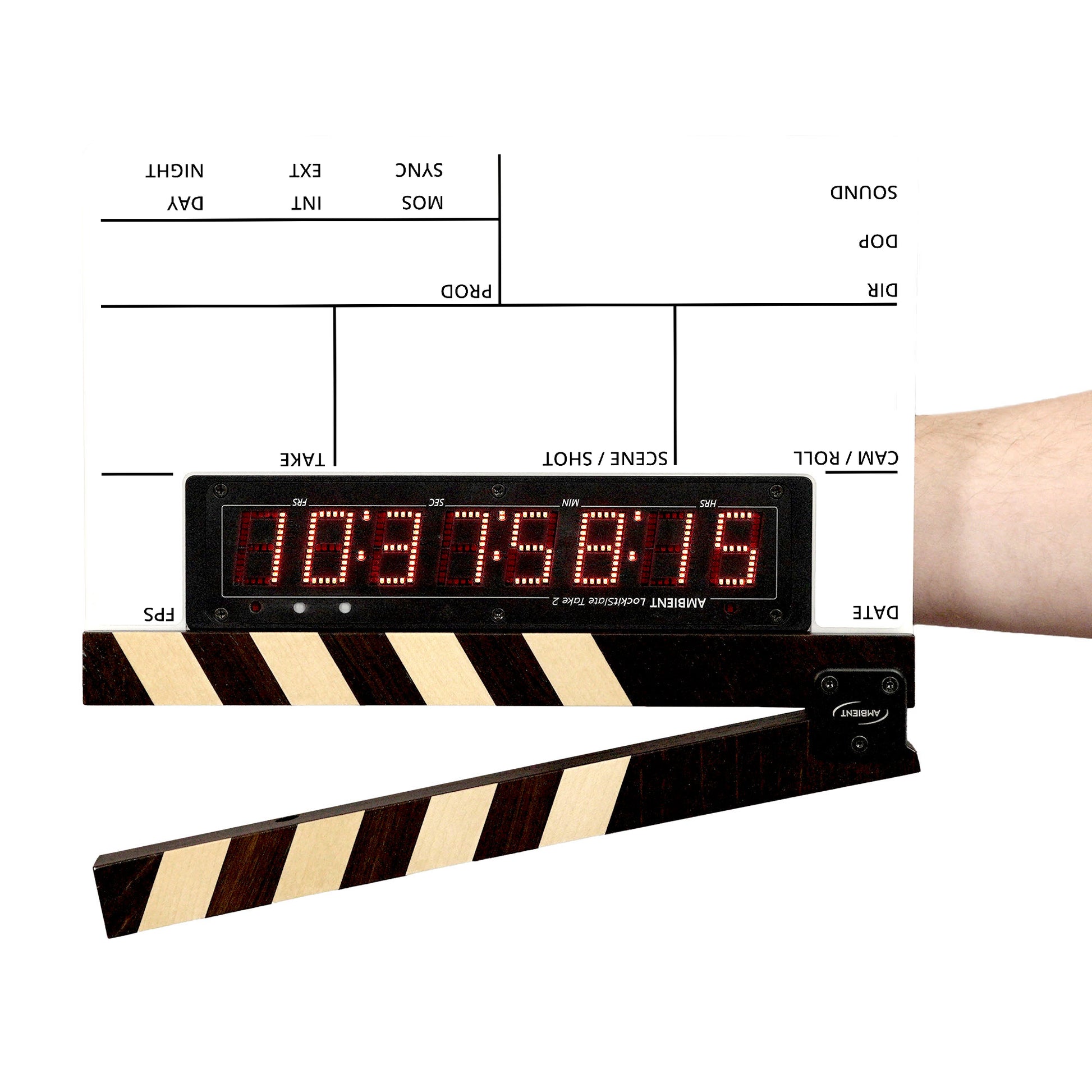
Wooden clap sticks available
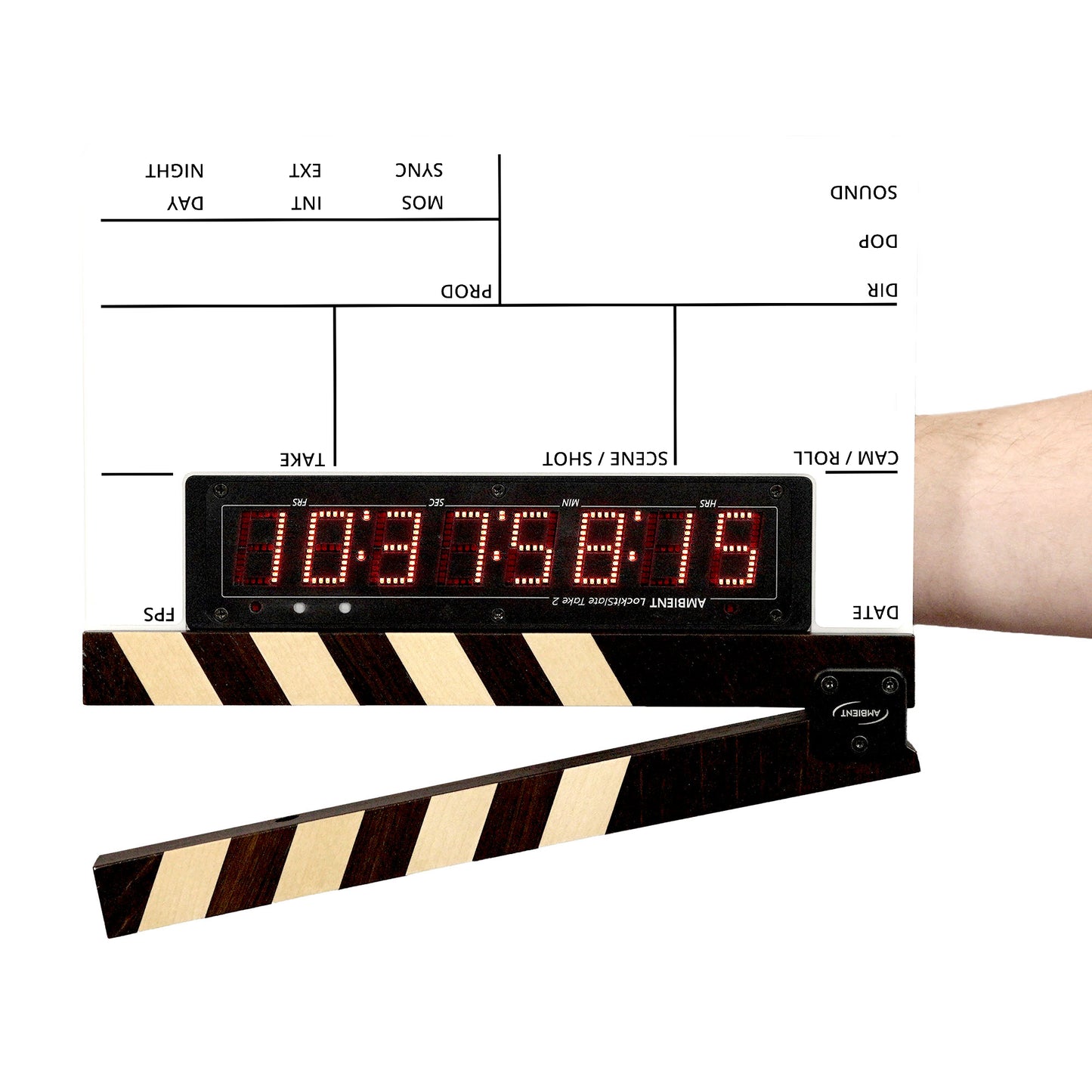
The LockitSlate Take 2 can be ordered or retrofitted with handmade clap sticks made of oak wood.
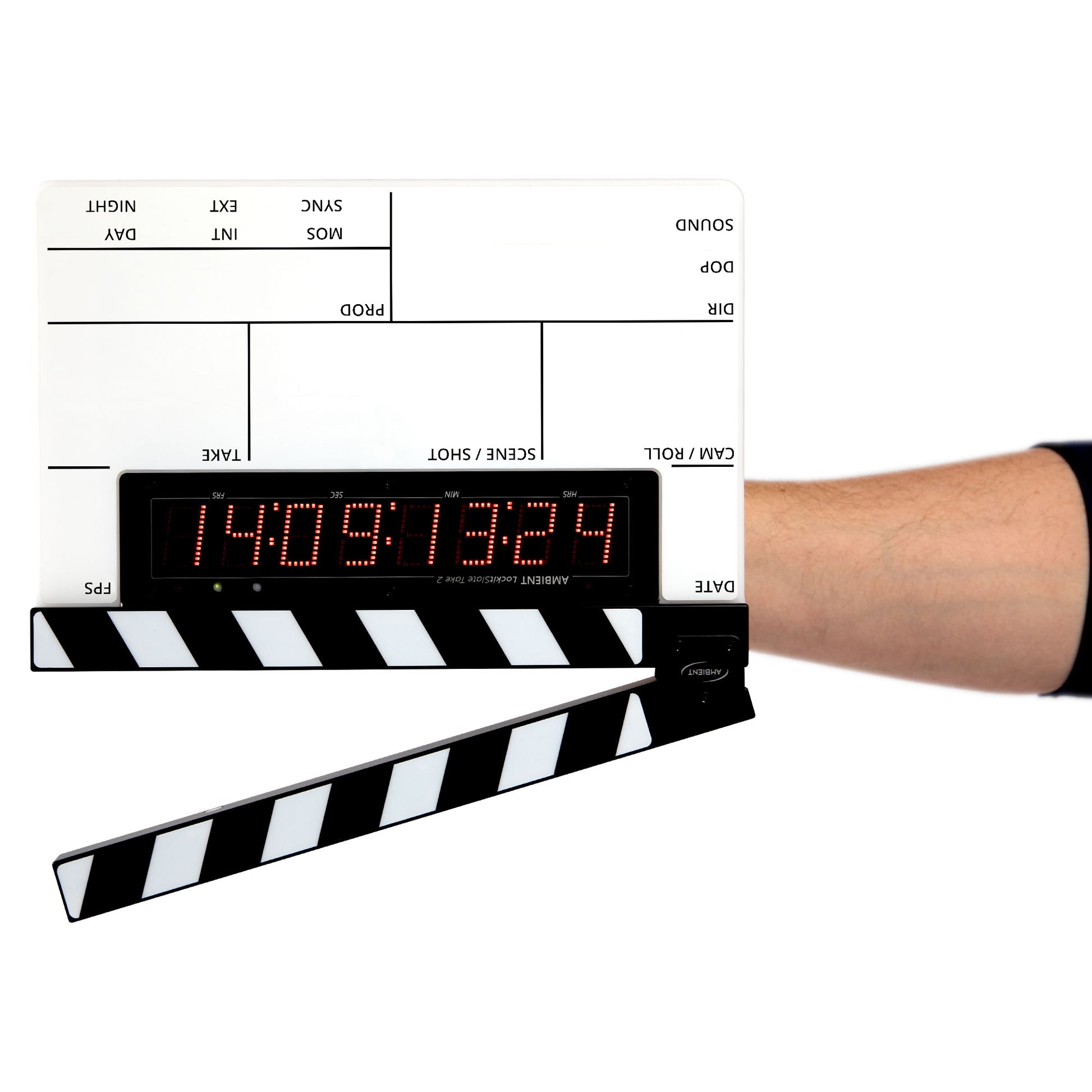
Handle with a solid stand
Included in delivery is a handle with fold-out stand (LS-HG1) and a 3/8" thread at the bottom.